Logitech MX Keys S Review: Is This Premium Productivity Keyboard Worth It?
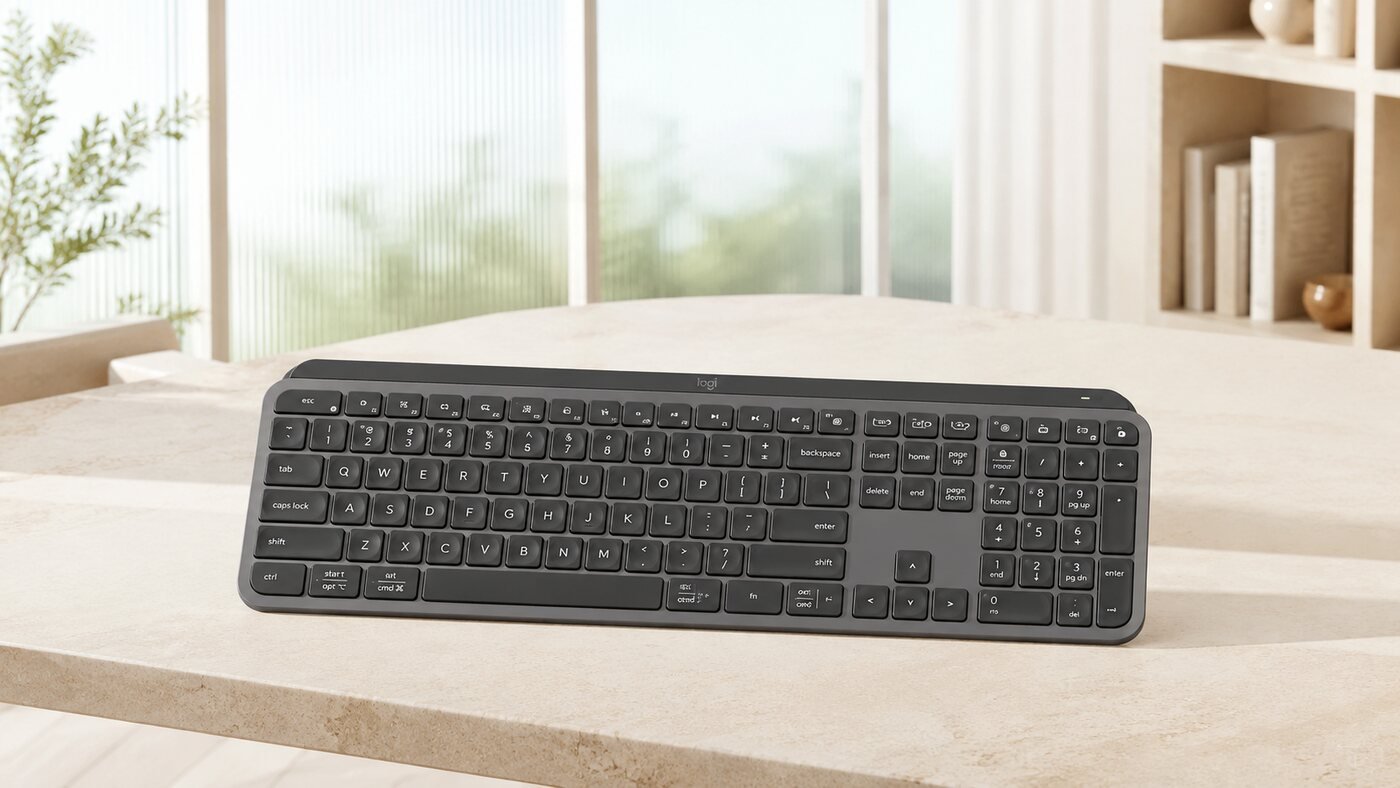
Quick Verdict: Is the MX Keys S Worth It?
Yes—for desk-based professionals who value quiet, precise typing, intelligent backlighting, and easy switching among three devices. Its premium price is harder to justify if you rarely use backlighting, only connect one computer, prefer mechanical feedback, or need an integrated palm rest.
1. Typing Feel and Full-Size Layout
The MX Keys S uses a familiar full-size layout with a number pad. Its low-profile, spherically dished keys are shaped to guide fingertips toward the center, while the stable scissor-style mechanism prioritizes quiet, consistent travel over the deeper feedback of a mechanical keyboard.
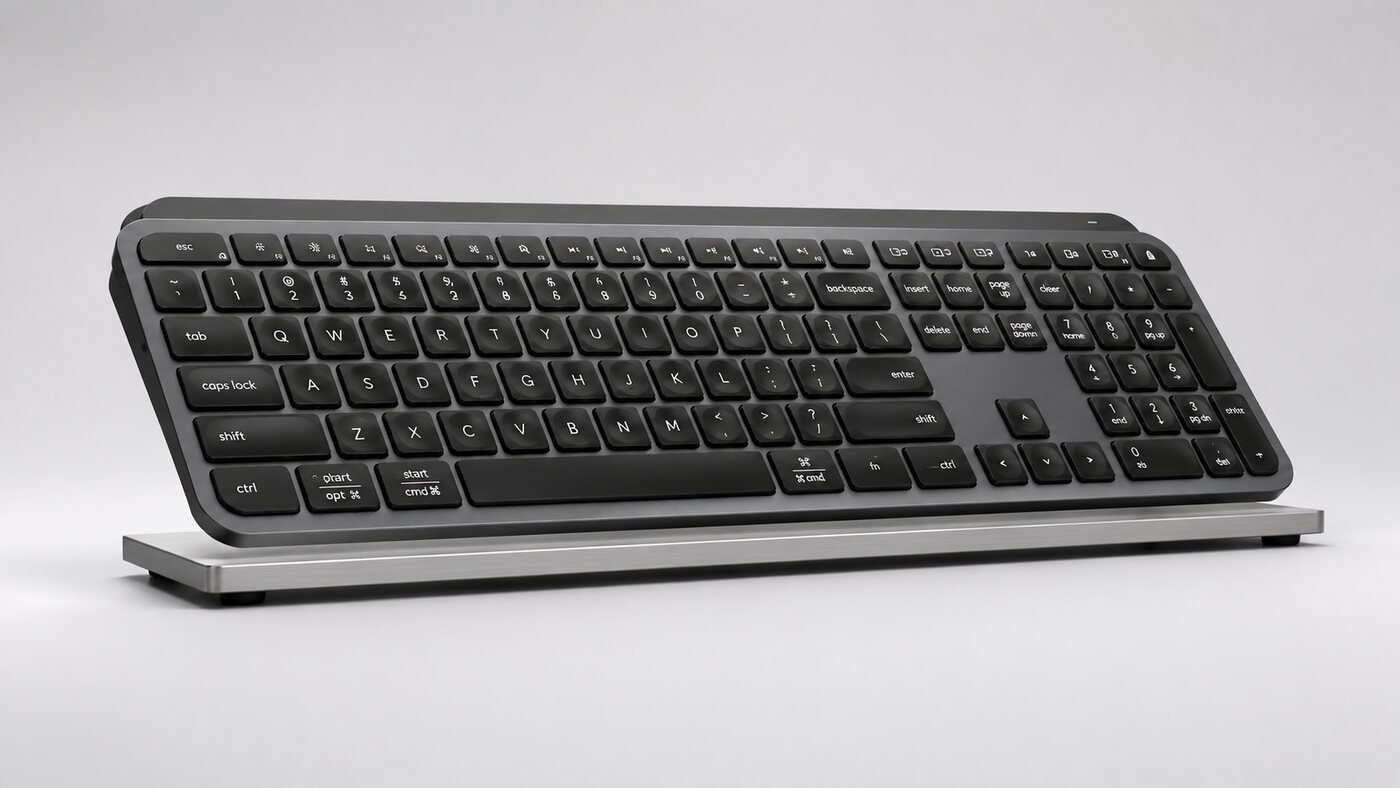
The shallow angle promotes a laptop-like typing posture, but users who need soft wrist support may want a separate palm rest.
2. Smart Backlighting
Hand-proximity sensors activate the illuminated keys as your hands approach, and an ambient-light sensor adjusts brightness to the room. Logi Options+ can control brightness and backlight duration. This is more useful than decorative lighting: it helps in mixed lighting without requiring constant manual adjustment.
3. Multi-Device Workflow and Smart Actions
Three Easy-Switch keys allow the keyboard to move among up to three compatible devices. You can connect through Bluetooth Low Energy or the included Logi Bolt receiver. In Logi Options+, customizable keys and Smart Actions can combine routine steps into a single shortcut, which is particularly useful for repetitive office workflows.
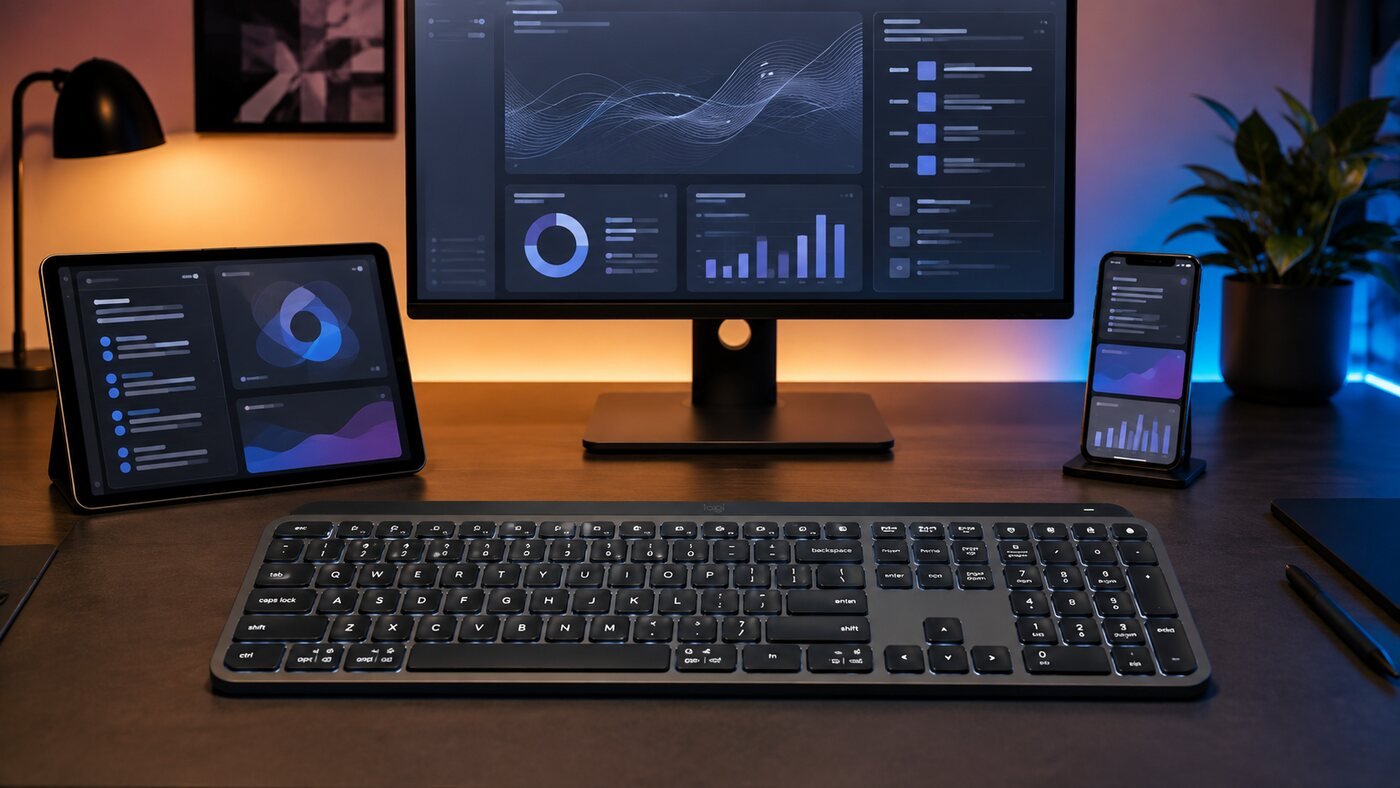
This feature matters most to people who regularly move between a work computer, personal computer, tablet, or phone.
4. Battery Life and USB-C Charging
Logitech states that a full charge can last up to 10 days with predefined backlighting settings or up to five months with the backlight turned off. Actual battery life varies with brightness and use. The keyboard can continue working while connected by USB-C for charging, reducing downtime.
5. Key Features at a Glance
Smart Illumination
Proximity and ambient-light sensors control the backlit keys.
Three Easy-Switch Keys
Move among up to three paired compatible devices.
Two Wireless Options
Use Bluetooth Low Energy or the Logi Bolt USB receiver.
USB-C Rechargeable
Keep typing while the keyboard charges.
6. Best Real-World Uses
The MX Keys S is strongest for writing, spreadsheets, business communication, creative shortcuts, and mixed Windows/macOS desks. Its quiet sound profile also makes it suitable for shared offices and video calls.
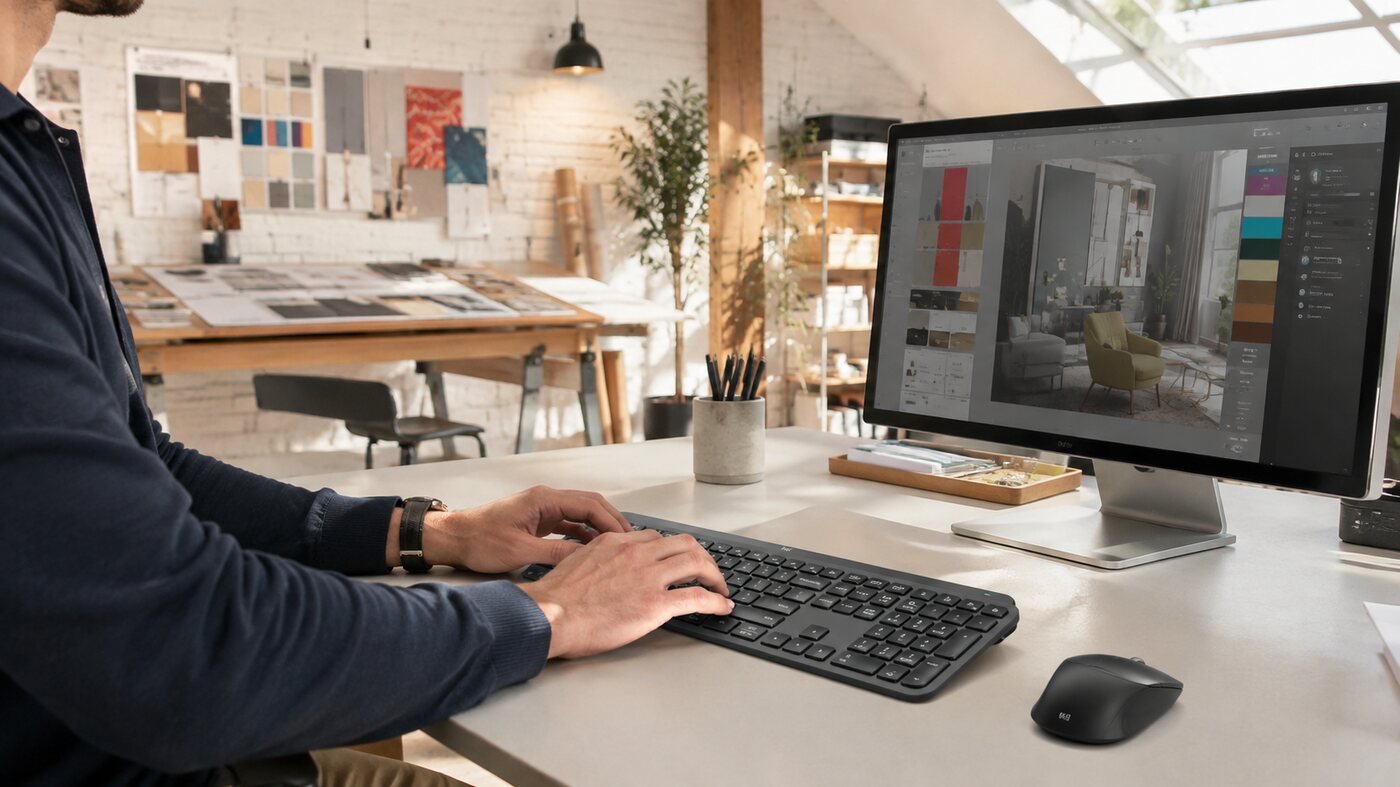
The combination of low noise, stable keys, a number pad, and adaptive lighting favors daily desk work rather than travel or gaming.
7. Pros & Cons
Pros
- Quiet, precise low-profile typing
- Useful smart backlighting
- Switches among three devices
- Bluetooth and Logi Bolt connectivity
- USB-C rechargeable and usable while charging
- Full-size layout with number pad
Cons
- Premium price for a non-mechanical keyboard
- No integrated palm rest
- Large for travel or small desks
- Backlighting reduces battery life substantially
- Advanced customization depends on Logi Options+
8. MX Keys S vs K780, K650, and K980
| Model | Main advantage | Power | Best for |
|---|---|---|---|
| MX Keys S | Premium typing, smart backlight, customization | USB-C rechargeable | Power users and mixed-device desks |
| K780 | Integrated phone/tablet cradle | Replaceable batteries | Typing across mobile devices |
| K650 | Built-in wrist support and value | Replaceable batteries | Comfort-focused basic office use |
| K980 Solar+ | Light-powered convenience | Solar and artificial light | Low-maintenance full-size desks |
Read our Logitech K780 review, K650 review, K980 review, or browse all keyboard reviews.
9. Who Should Buy It?
Best for
- Professionals who type for hours
- Users switching among up to three devices
- Shared offices needing quiet keys
- People who work in changing light
- Spreadsheet users who need a number pad
Consider another keyboard if
- You prefer mechanical switches
- You need a compact travel keyboard
- You want an included palm rest
- You only need basic single-device typing
10. Frequently Asked Questions
Is the Logitech MX Keys S mechanical?
No. It uses quiet low-profile scissor-style keys, prioritizing precision and low noise rather than mechanical feedback.
Can it connect to three devices?
Yes. The three Easy-Switch keys can select among up to three paired compatible devices.
How long does the battery last?
Logitech states up to 10 days with predefined backlighting settings or up to five months with backlighting off. Usage and lighting settings affect real results.
Can it be used while charging?
Yes. You can continue typing while it charges over USB-C.
11. Final Verdict
The MX Keys S earns its premium position through excellent quiet typing, useful adaptive lighting, and a polished three-device workflow. It is a strong productivity upgrade, but value-focused buyers may be satisfied with the K650, while mobile-device users may prefer the K780's cradle.
Check on AmazonHow We Evaluated It
This editorial review is based on Logitech's published specifications and documentation, the supplied Amazon listing, and analysis of intended use cases. TechPick Lab did not conduct a laboratory test or long-term hands-on test of this specific unit. Product availability and price can change.
Primary specification source: Logitech MX Keys S product page.