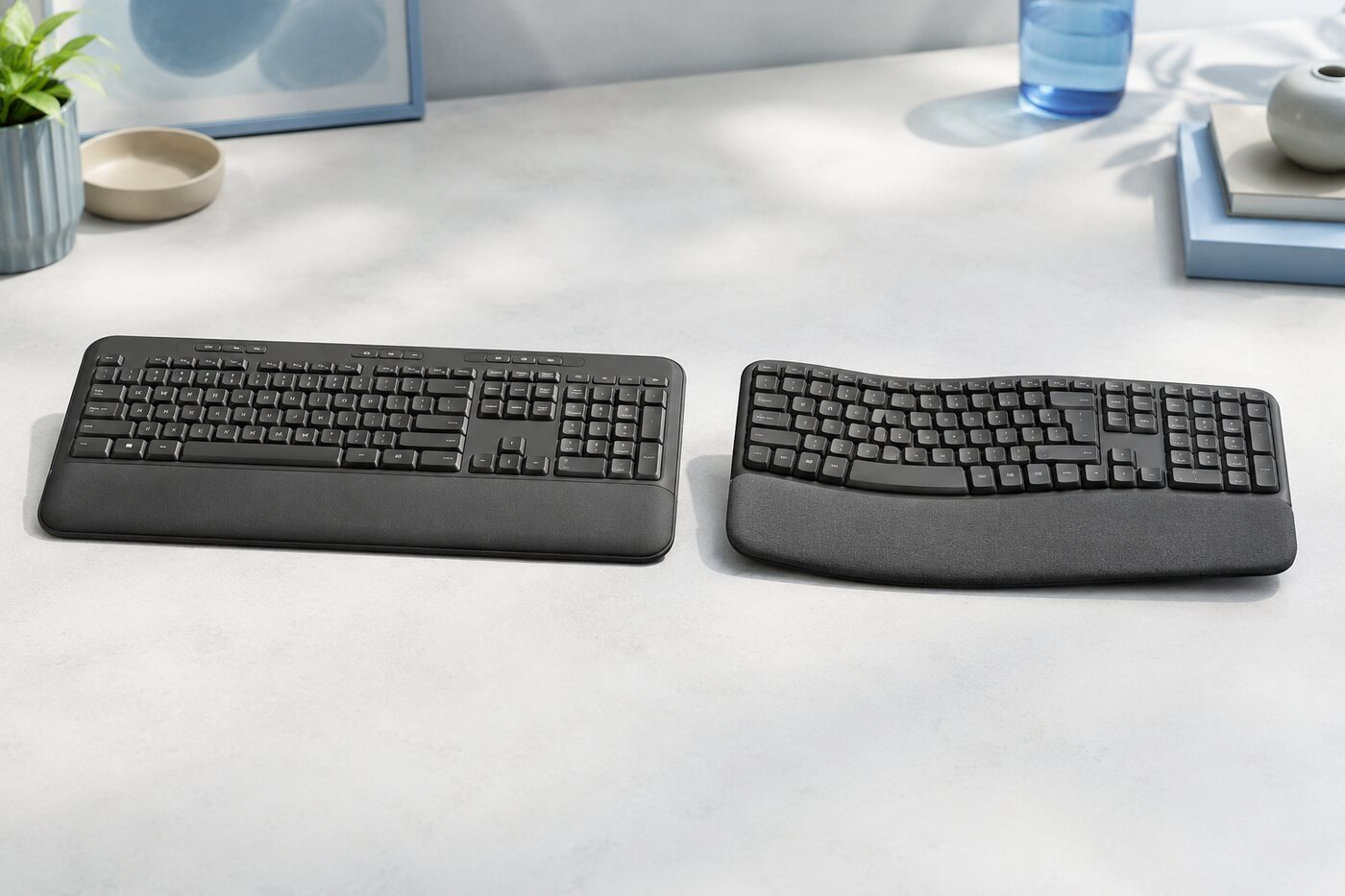
Logitech K650 vs Wave Keys at a Glance
| Feature | Logitech Signature K650 | Logitech Wave Keys |
|---|---|---|
| Layout | Traditional full-size, straight layout | Compact full-size, wave-shaped layout |
| Palm support | Integrated soft-touch wrist rest | Cushioned palm rest |
| Device switching | Best for a primary computer | Easy-Switch for up to 3 devices |
| Wireless | Bluetooth LE and Logi Bolt compatible | Bluetooth LE and Logi Bolt compatible |
| Batteries | 2 AA | 2 AAA |
| Claimed battery life | Up to 36 months | Up to 36 months |
| Best for | Familiar everyday office typing | Ergonomic comfort and multi-device work |
1. Design and Desk Fit
The K650 looks and feels like a conventional office keyboard. Its straight rows, full number pad and integrated wrist rest require little adjustment. It is the safer choice when several people share a workstation or when you simply want a predictable layout.
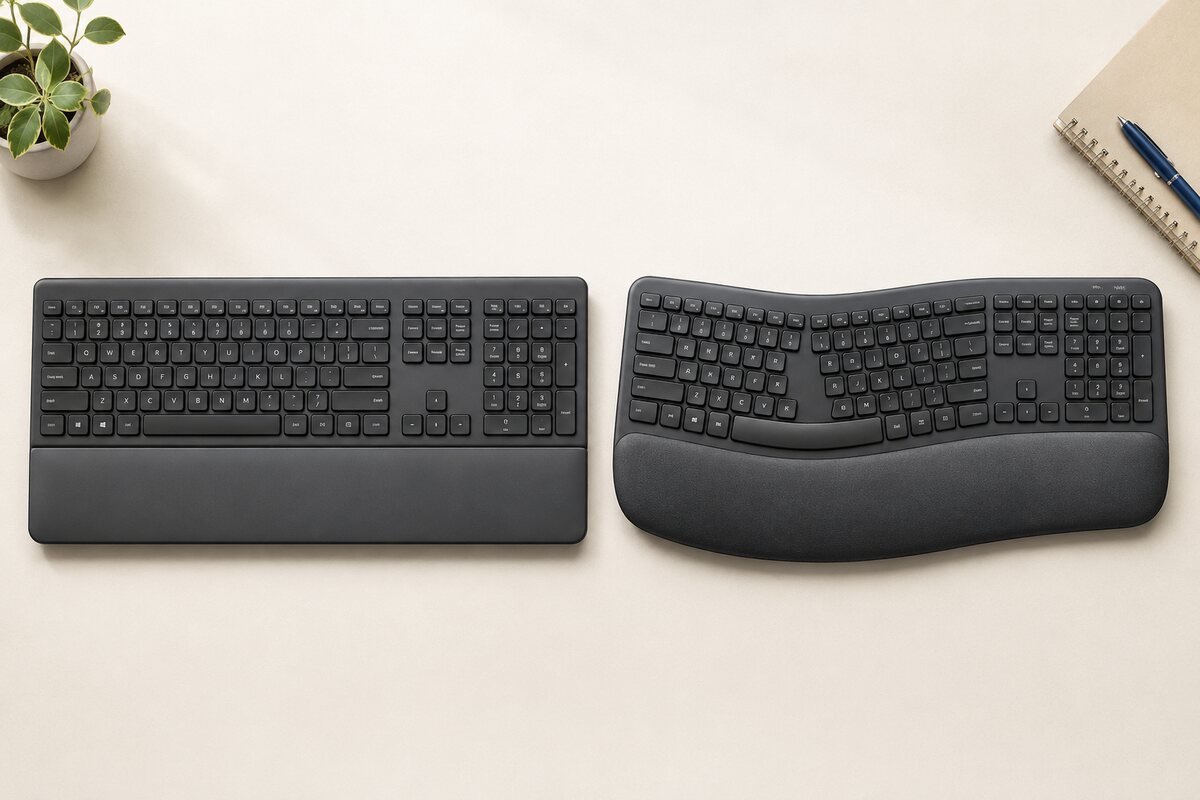
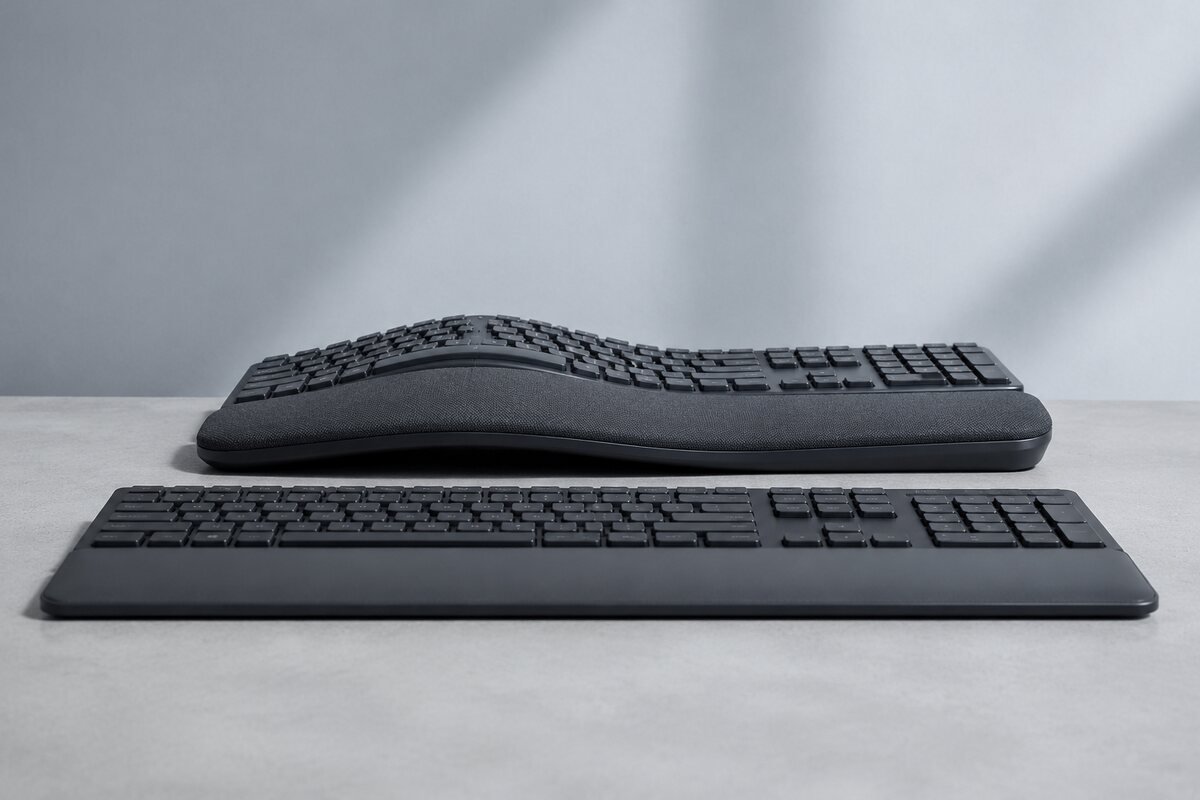
Wave Keys keeps the number pad but bends the key field into a gentle wave. Logitech also reduces the width compared with many traditional full-size designs, leaving more room for the mouse. The shape is the meaningful difference—not decorative styling.
2. Comfort and Learning Curve
Wave Keys wins for ergonomic intent. Its wave layout is designed to support a more natural hand and wrist position, while the cushioned palm rest provides a broad resting area. It may take a few sessions to learn the curved key positions.
K650 wins for immediate familiarity. The layout is conventional, so most users can type normally from the first minute. Its wrist rest adds comfort without changing how the keys are arranged.
3. Typing Experience
Neither model is aimed at mechanical-keyboard enthusiasts. Both prioritize quiet, low-effort everyday input. The K650 suits users who move between common office keyboards and want consistent spacing. Wave Keys is more specialized: its curved rows guide each hand toward a defined zone.
If accuracy on day one matters most, the K650 has the advantage. If you type for long periods and are willing to adapt, the Wave Keys layout offers the more distinctive comfort benefit.
4. Connectivity and Devices
Both keyboards can connect through Bluetooth Low Energy and are compatible with a Logi Bolt receiver. Wave Keys has the clearer advantage for multi-device work: Easy-Switch keys let you move among as many as three paired devices. That makes it more convenient for a laptop-and-tablet or Windows-and-Mac setup.
The K650 is simpler and well suited to a primary desktop or laptop. Its multi-OS key legends and shortcuts make it flexible, but it is not as focused on rapid device switching.
5. Battery Life
Logitech advertises up to 36 months of battery life for both models, with actual life depending on use and conditions. K650 uses two AA batteries; Wave Keys uses two AAA batteries. Neither requires routine charging, which keeps desk management simple.
6. Real-World Use
For a fixed office desk, the K650 provides a familiar, low-risk upgrade from a basic keyboard. Wave Keys is more compelling when comfort is the reason for replacing your current board, especially if you also switch between devices during the day.
7. Pros and Cons
K650 strengths
- Very familiar full-size layout
- Integrated wrist support
- Quiet everyday typing
- Long claimed battery life
K650 limitations
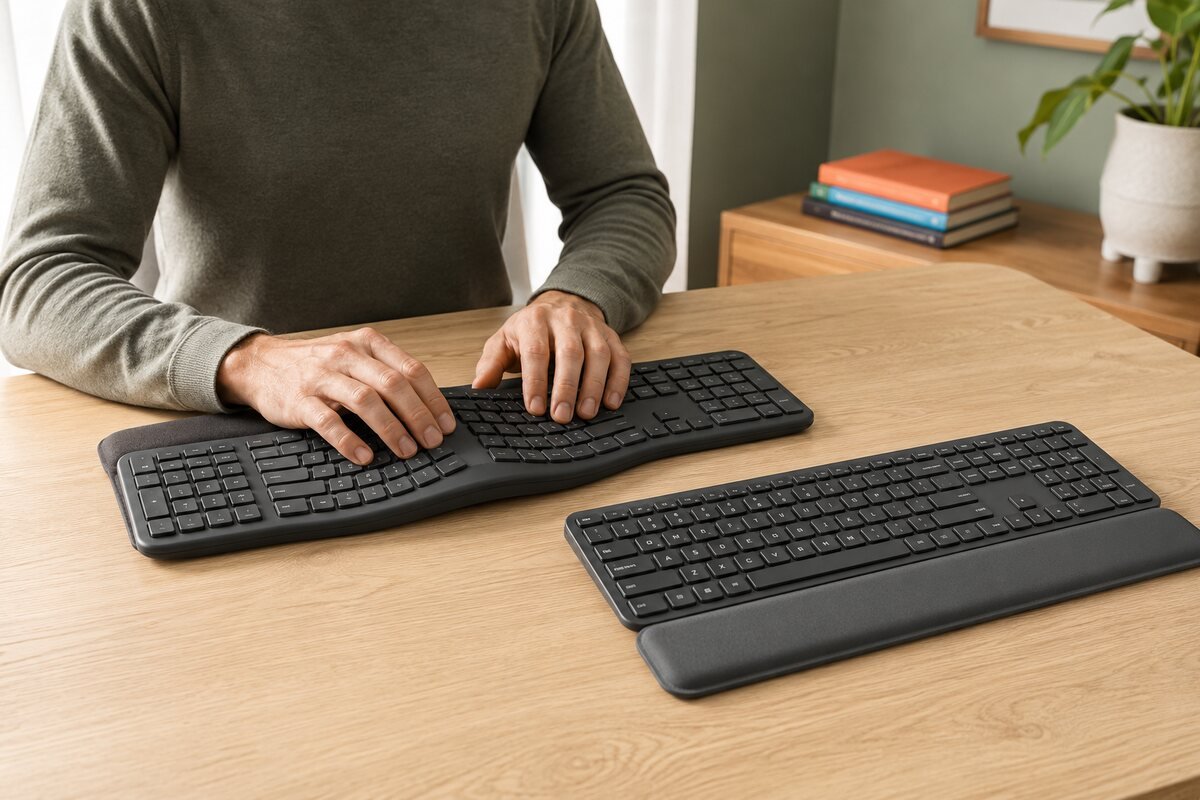
- Wider, conventional footprint
- No three-device Easy-Switch row
Wave Keys strengths
- Ergonomic wave layout
- Cushioned palm rest
- Easy-Switch for up to three devices
- Compact full-size design
Wave Keys limitations
- Curved layout needs adaptation
- Not ideal for users who prefer straight key rows
8. Which One Should You Buy?
Buy the Logitech K650 if:
- You want familiar key placement with almost no learning curve.
- You use one main computer.
- You prefer a traditional full-size office keyboard.
Buy Wave Keys if:
- You want a keyboard built around ergonomic positioning.
- You switch between as many as three devices.
- You want full-size functionality in a narrower design.
Final Verdict
The K650 is the better general-purpose choice for buyers who value familiarity and simplicity. Wave Keys is the better comfort-focused choice for users prepared to learn a curved layout and take advantage of multi-device switching. The right winner depends less on specifications and more on whether you want a traditional or ergonomic typing position.
Frequently Asked Questions
Which is more comfortable, Logitech K650 or Wave Keys?
Wave Keys provides the stronger ergonomic design through its wave-shaped key field and cushioned palm rest. K650 is comfortable in a more familiar, conventional way.
Which one is easier to start using?
K650. Its straight full-size arrangement should feel immediately familiar to most desktop keyboard users.
Can both keyboards use a Logi Bolt receiver?
Yes. Both support Bluetooth Low Energy and are compatible with Logi Bolt receivers.
Which keyboard is better for multiple devices?
Wave Keys, because its Easy-Switch controls support movement among up to three paired devices.
Specification sources: Logitech K650 overview and Logitech Wave Keys product page. Product availability and details can change.