Logitech Wave Keys Review: Ergonomic Comfort Without the Learning Curve
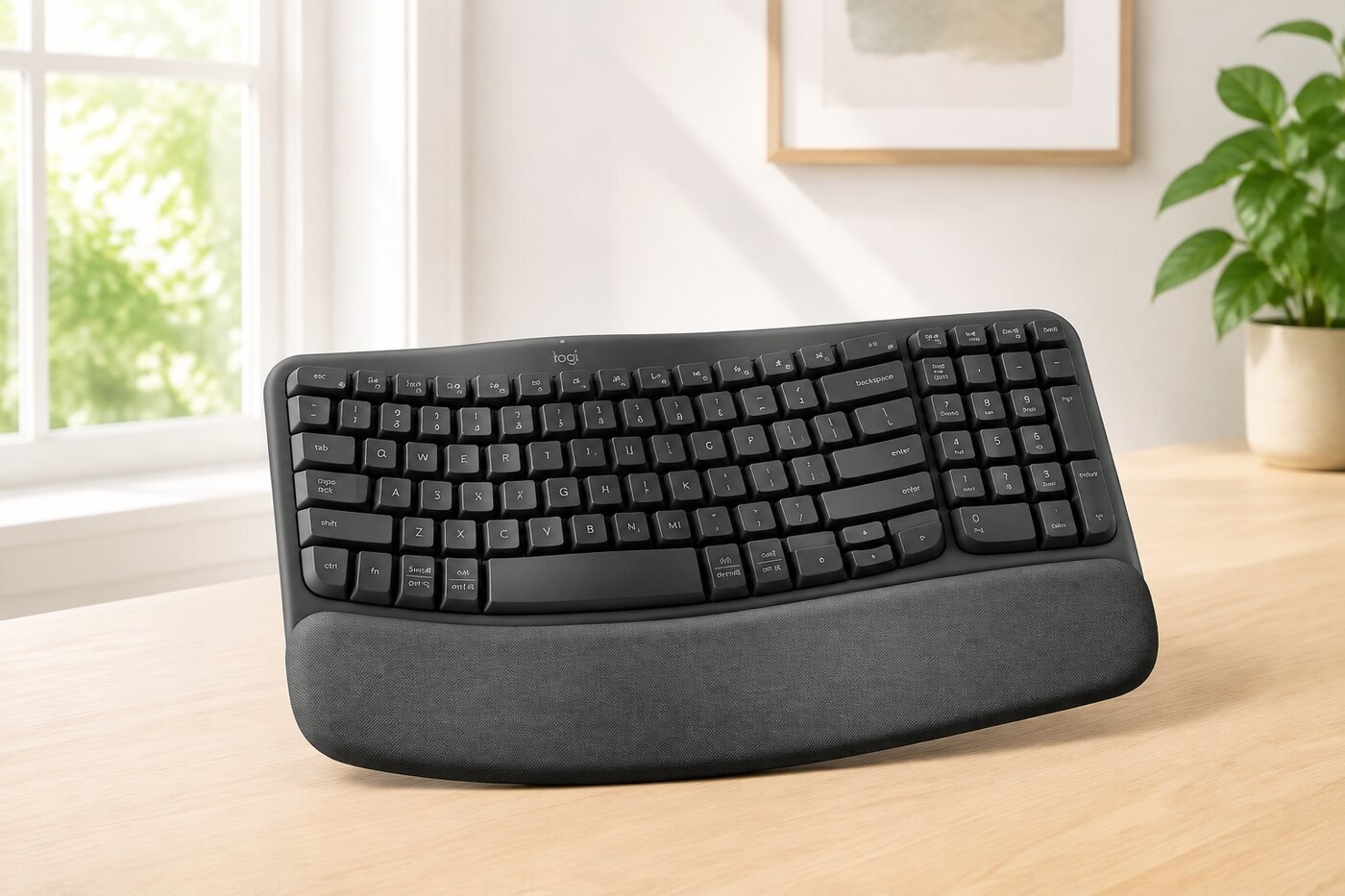
The Logitech Wave Keys offers a gentler route into ergonomic typing. Its curved key field, integrated cushioned palm rest and familiar full-size layout are designed for people who want more comfort without moving to a dramatically split keyboard.
Quick answer
- Best for home-office users seeking approachable ergonomics
- Curved rows reduce the reach to frequently used keys
- Integrated palm rest supports longer desk sessions
- Not ideal for travel or users who prefer mechanical switches
1. Design and everyday comfort
Wave Keys keeps the familiar one-piece keyboard format but raises and curves the key rows to match a more natural hand position. This makes the transition easier than moving directly to a split ergonomic keyboard. The padded palm rest is built in, so the hands have a broad landing area without needing a separate accessory.
Comfort remains personal. The wave shape guides the hands toward the center, but users accustomed to a completely flat board may need a short adjustment period. The integrated number pad is useful for spreadsheets, although it also makes the keyboard wider than a compact model.
2. Typing feel and layout
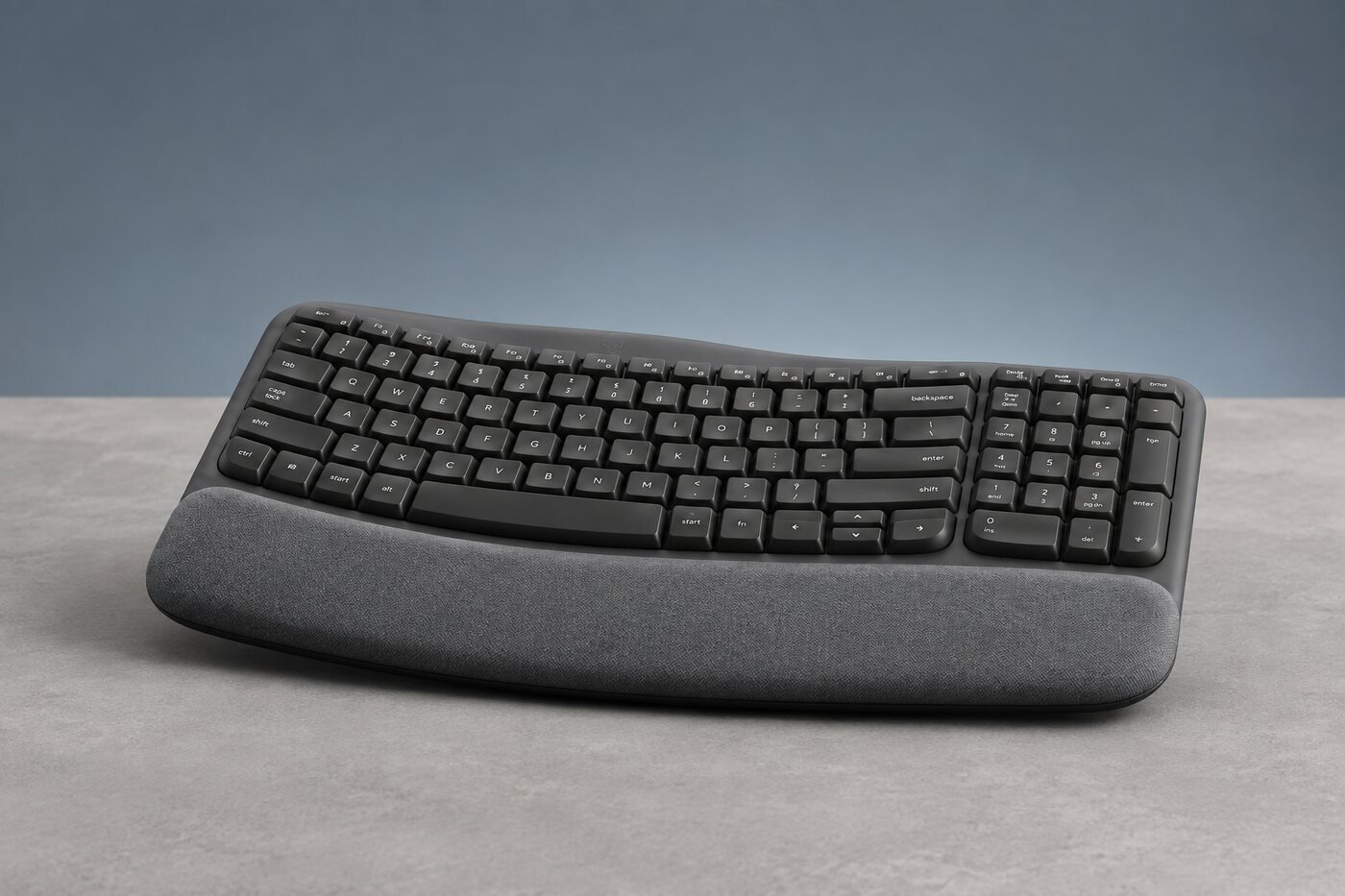
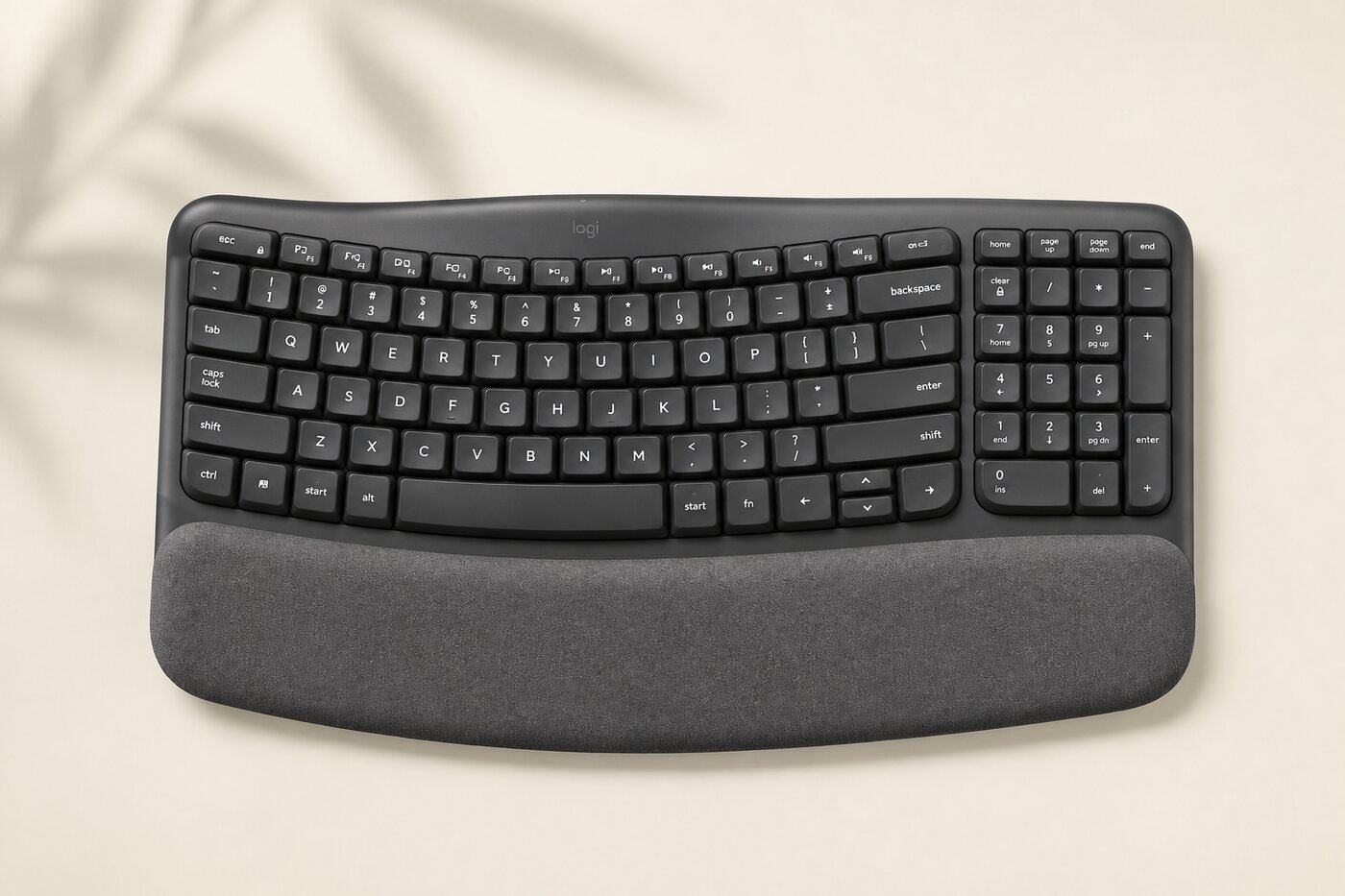
The low-profile membrane keys are aimed at quiet, everyday productivity rather than the sharp feedback of a mechanical keyboard. The curved rows shorten some finger movements while retaining a familiar QWERTY layout, arrow cluster and full number pad.
Wave Keys is better suited to shared rooms, office calls and long writing sessions than to buyers who prioritize gaming response or switch customization. The 4-degree tilt legs provide an additional angle option, but a neutral wrist position is usually preferable to a steep rear lift.
3. Connectivity and multi-device use
The keyboard can connect through Bluetooth Low Energy or the included Logi Bolt USB-A receiver. Three Easy-Switch keys let users move between compatible computers, tablets and phones with a tap. That is especially practical for a desk shared by a work laptop, personal computer and tablet.
Basic functions support major operating systems including Windows, macOS, ChromeOS, iPadOS, iOS and Android. Logi Options+ on Windows and macOS adds shortcut customization. Support can vary by operating system, so confirm the current software requirements for your devices.
4. Battery life and maintenance
Wave Keys uses two AAA batteries, which Logitech includes. The manufacturer quotes up to 36 months of battery life; actual endurance varies with use, device switching and operating conditions. Replaceable batteries eliminate charging interruptions, although buyers who prefer USB-C charging may see that as a drawback.
5. What it is like at a real desk
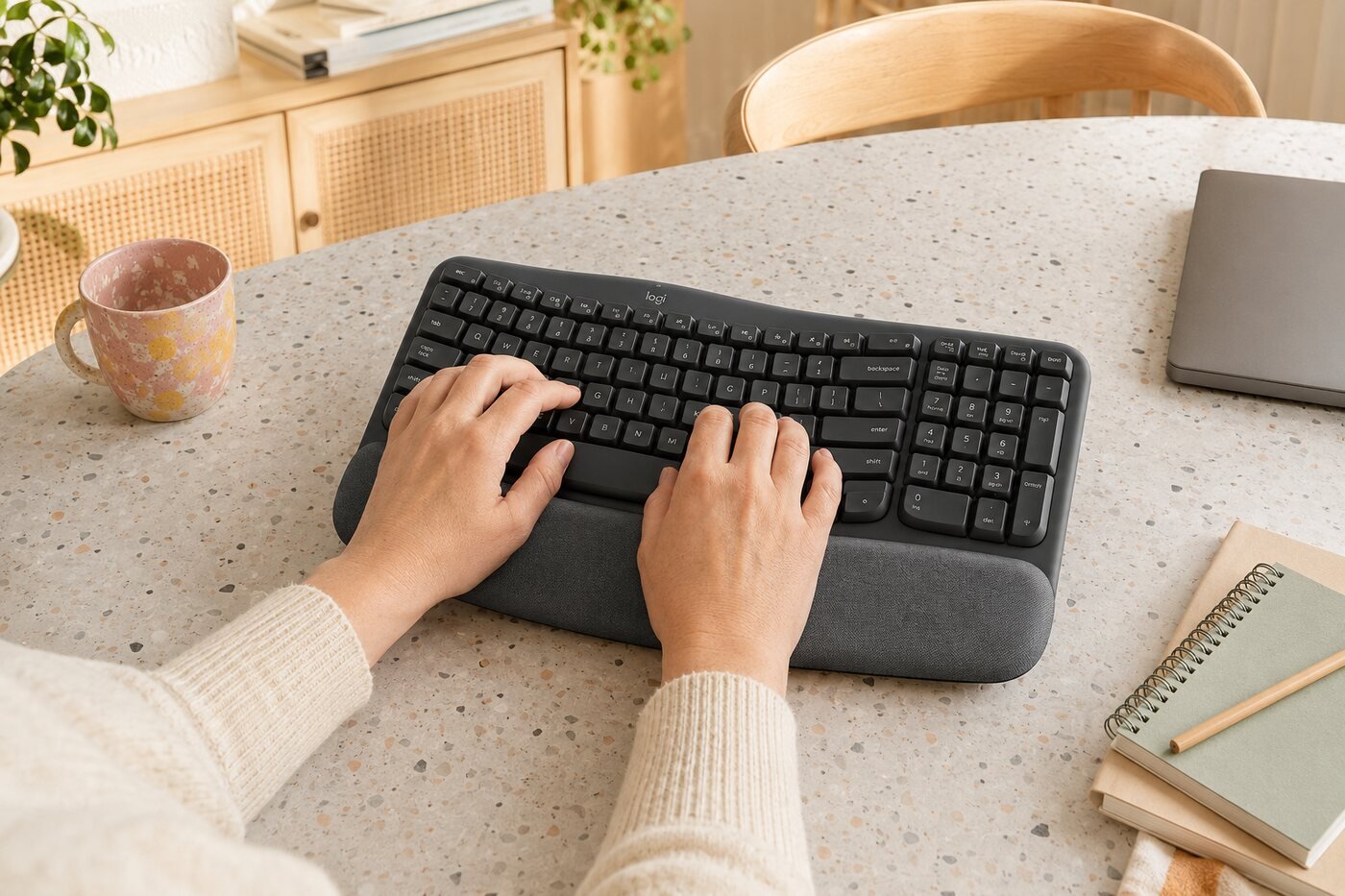
The keyboard is most convincing when it stays on a permanent workstation. Its palm rest and number pad take more space than a compact board, but the tradeoff is a complete desktop layout and an ergonomic shape that does not feel overly specialized.
6. Key specifications
| Layout | Compact full-size layout with number pad |
|---|---|
| Design | Wave-shaped key field with integrated cushioned palm rest |
| Connections | Bluetooth Low Energy and Logi Bolt USB-A receiver |
| Device switching | Easy-Switch for up to 3 devices |
| Battery | 2 × AAA batteries; up to 36 months claimed |
| Dimensions | Approximately 376 × 219 × 30.5 mm |
| Weight | Approximately 750 g including batteries |
| Customization | Logi Options+ on supported Windows and macOS systems |
Specifications are based on Logitech's published information. Battery life and compatibility can vary; verify the current seller listing before purchase.
7. Pros and cons
Pros
- Approachable ergonomic wave design
- Comfortable integrated palm rest
- Quiet everyday typing
- Bluetooth and Logi Bolt connections
- Easy switching among three devices
- Long claimed battery life
Cons
- Large footprint for a compact desk
- Palm rest is not removable
- No rechargeable battery
- Membrane feel will not suit mechanical-keyboard fans
- Not designed as a portable keyboard
8. Who should buy it?
9. Frequently asked questions
Is Wave Keys a split keyboard?
No. It is a single-piece keyboard with a curved wave layout. That makes it easier to learn than a fully split ergonomic model.
Can it connect to a Mac and Windows PC?
Yes. It supports multi-OS use and can switch among up to three compatible devices. Check Logitech's current compatibility notes for software-specific features.
Does the palm rest detach?
No. The cushioned palm rest is integrated into the keyboard.
Is it rechargeable?
No. It uses two replaceable AAA batteries, with battery life quoted at up to 36 months depending on use.
Is it good for gaming?
It can handle casual play, but it is designed primarily for comfort and office productivity rather than competitive gaming.
Verdict
The Logitech Wave Keys is a practical middle ground between a standard office keyboard and a more radical ergonomic model. The comfortable palm rest, quiet keys and flexible multi-device connectivity make it a strong choice for a permanent home-office desk. Its size, fixed palm rest and battery-powered design are the main reasons to consider alternatives.
Check availability on Amazon →