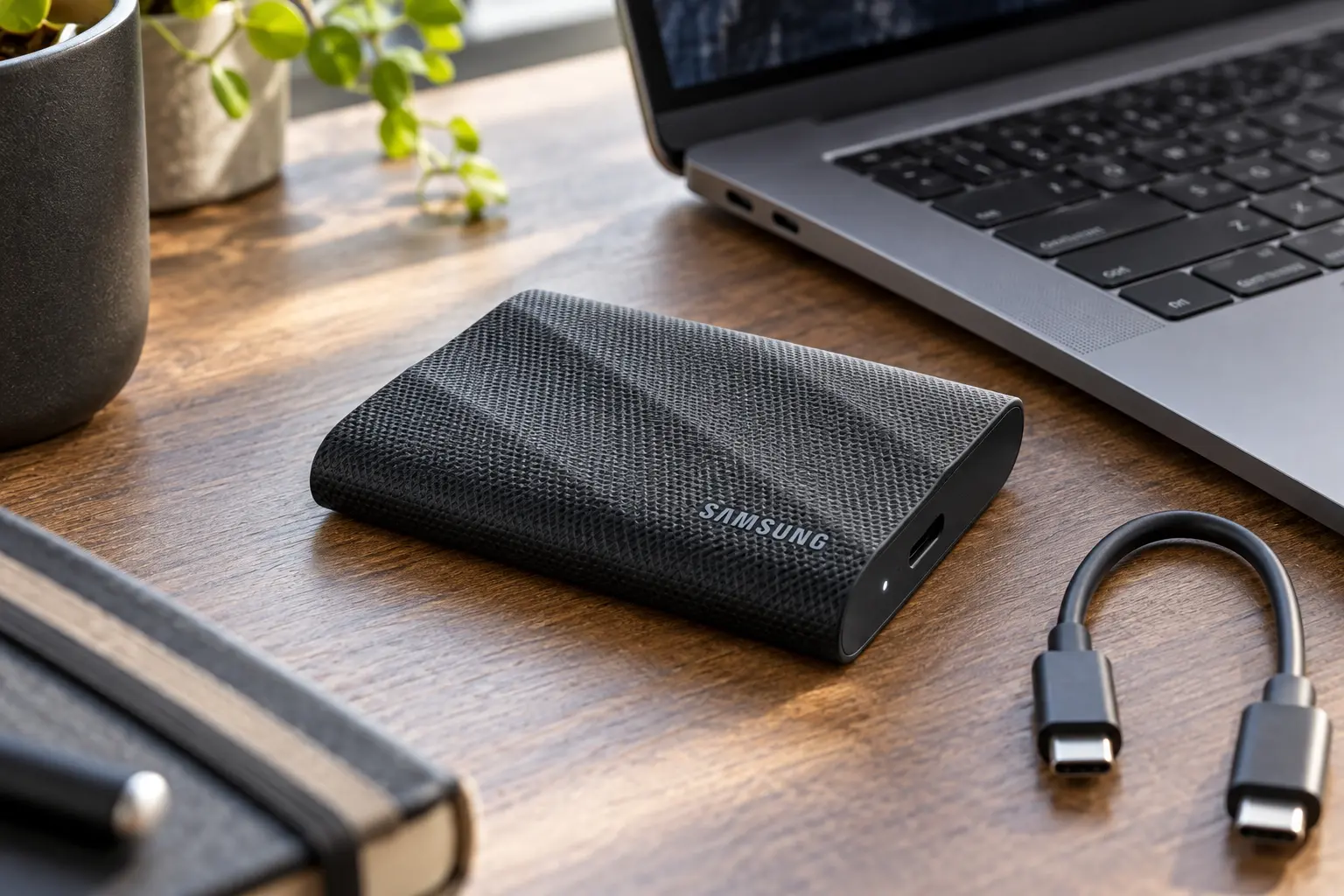
Quick Take: Fast Hardware With One Important Requirement
The Samsung T9 1TB is a high-performance portable SSD for creators, photographers, gamers, and anyone who regularly moves large files. Samsung rates sequential read and write speeds at up to 2,000MB/s through USB 3.2 Gen 2x2. That headline figure is the main reason to buy it—but many laptops, Macs, tablets, and consoles do not support the full 20Gbps Gen 2x2 connection.
Connected to a common 10Gbps USB port, the T9 still works, but it cannot deliver its full advertised advantage over drives such as the Samsung T7 or Crucial X9. Check the host device before paying extra purely for peak speed.
MU-PG1T0B/AM, Black
1TB
USB 3.2 Gen 2x2, 20Gbps
Up to 2,000MB/s read and write
AES 256-bit hardware encryption support
Large media projects and frequent transfers
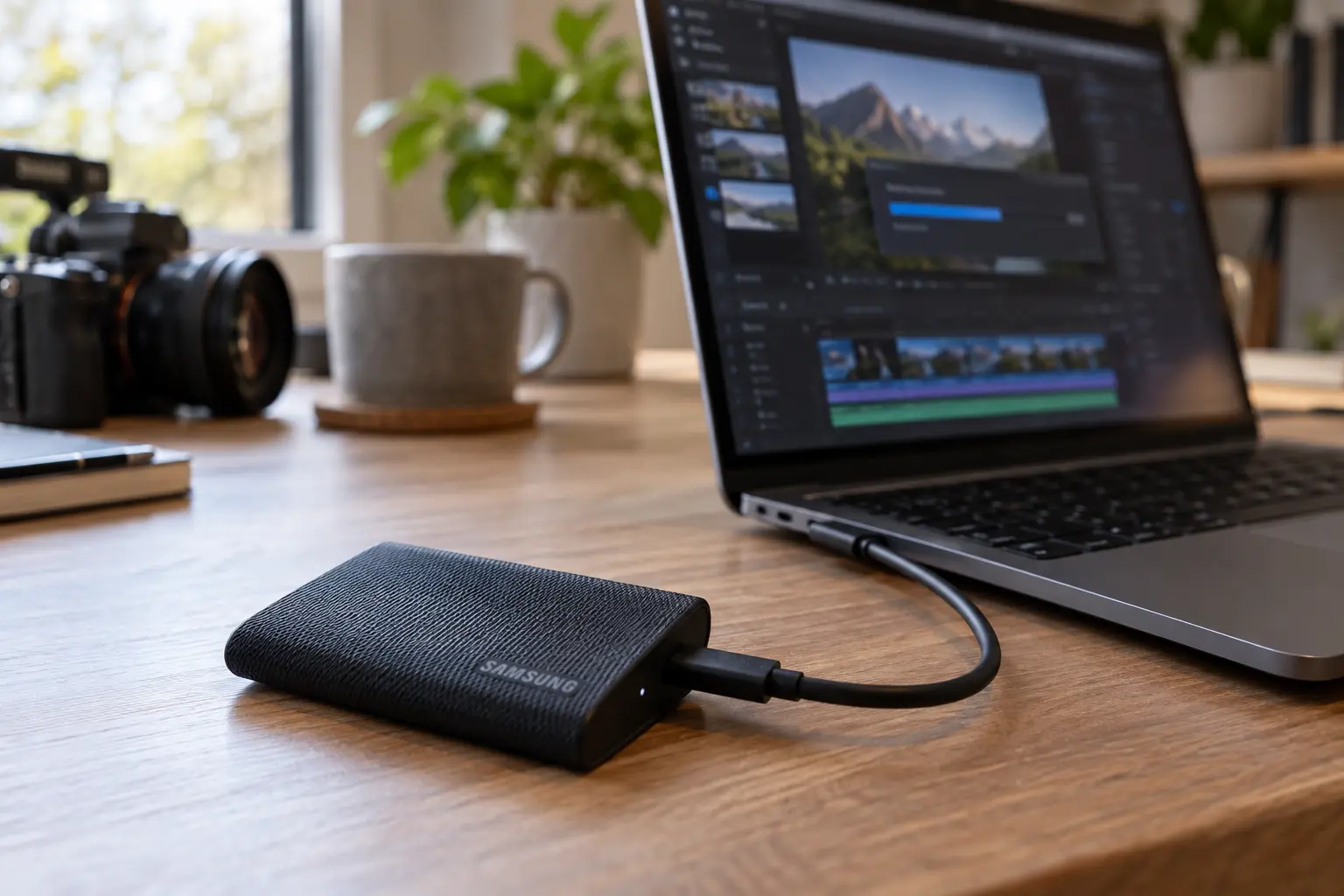
Performance: The T9's Biggest Upgrade Over the T7
The standard Samsung T7 is rated for reads up to 1,050MB/s and writes up to 1,000MB/s. The T9 moves into the 2,000MB/s class, making it more attractive for large video files, RAW photo libraries, game archives, and repeated backups. Dynamic Thermal Guard helps manage heat during heavier workloads, and Samsung emphasizes sustained performance rather than only short benchmark bursts.
Small documents and occasional backups will not make the difference feel dramatic. Buyers get the most value when transfers are large enough for interface speed and thermal stability to matter.
| Feature | Samsung T9 1TB | Samsung T7 1TB |
|---|---|---|
| Maximum rated read speed | Up to 2,000MB/s | Up to 1,050MB/s |
| USB interface | USB 3.2 Gen 2x2, 20Gbps | USB 3.2 Gen 2, 10Gbps |
| Exterior | Textured rubberized shell | Slim metal enclosure |
| Best value for | Large, frequent transfers on compatible hardware | Everyday backups and broad 10Gbps use |
For a closer look at the less expensive option, read our Samsung T7 Portable SSD 1TB review.
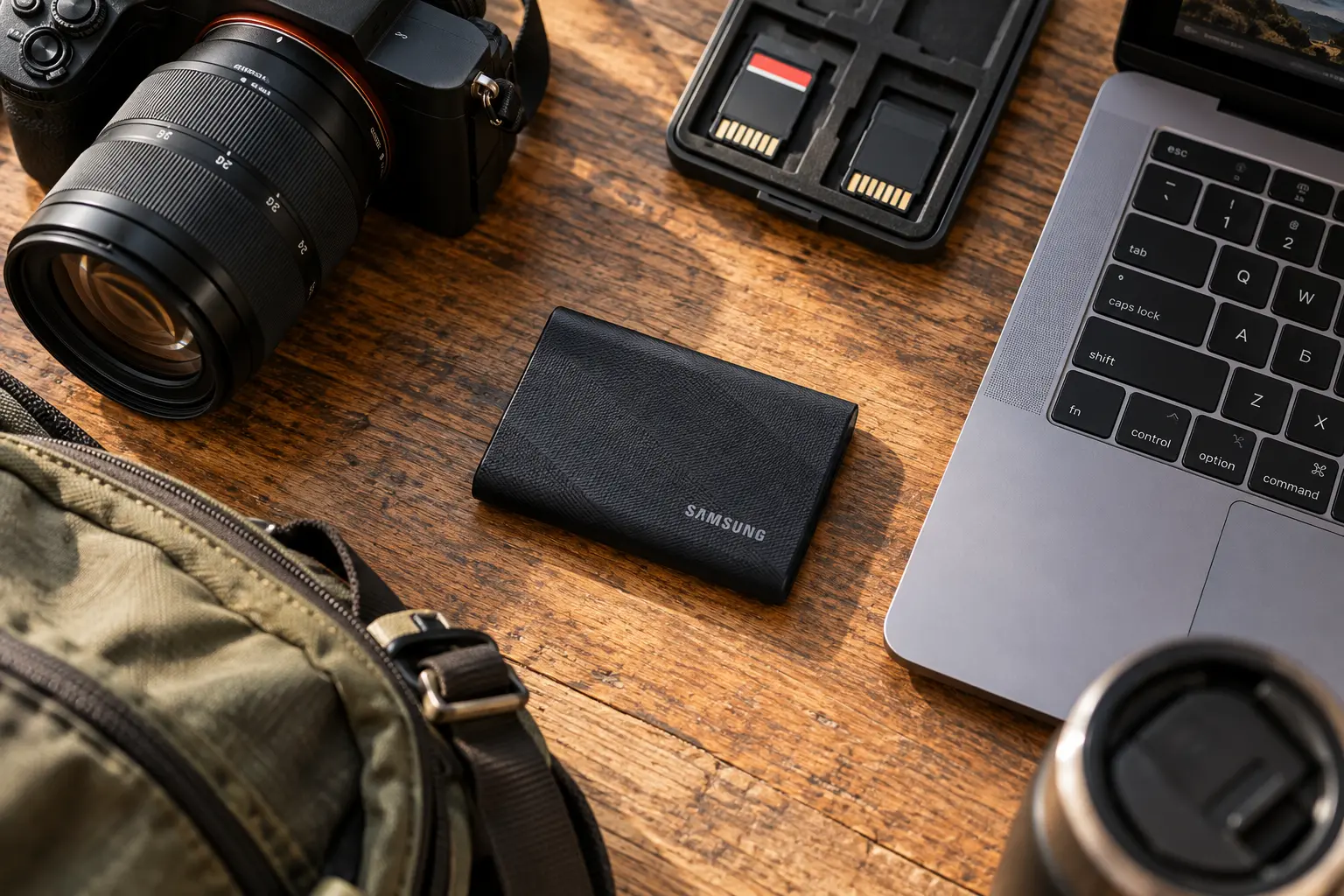
Design, Durability, and Everyday Portability
The textured exterior is not just decorative. It makes the drive easier to hold and gives the enclosure added protection in a work bag. Samsung rates the T9 for drop resistance from up to three meters under controlled conditions, but the drive is not a substitute for a waterproof backup strategy. Important data should always exist in more than one location.
At roughly pocket-size dimensions, the T9 remains easy to carry even though it is thicker and heavier than the standard T7. The extra bulk is reasonable for buyers who prioritize grip, thermal management, and sustained performance.
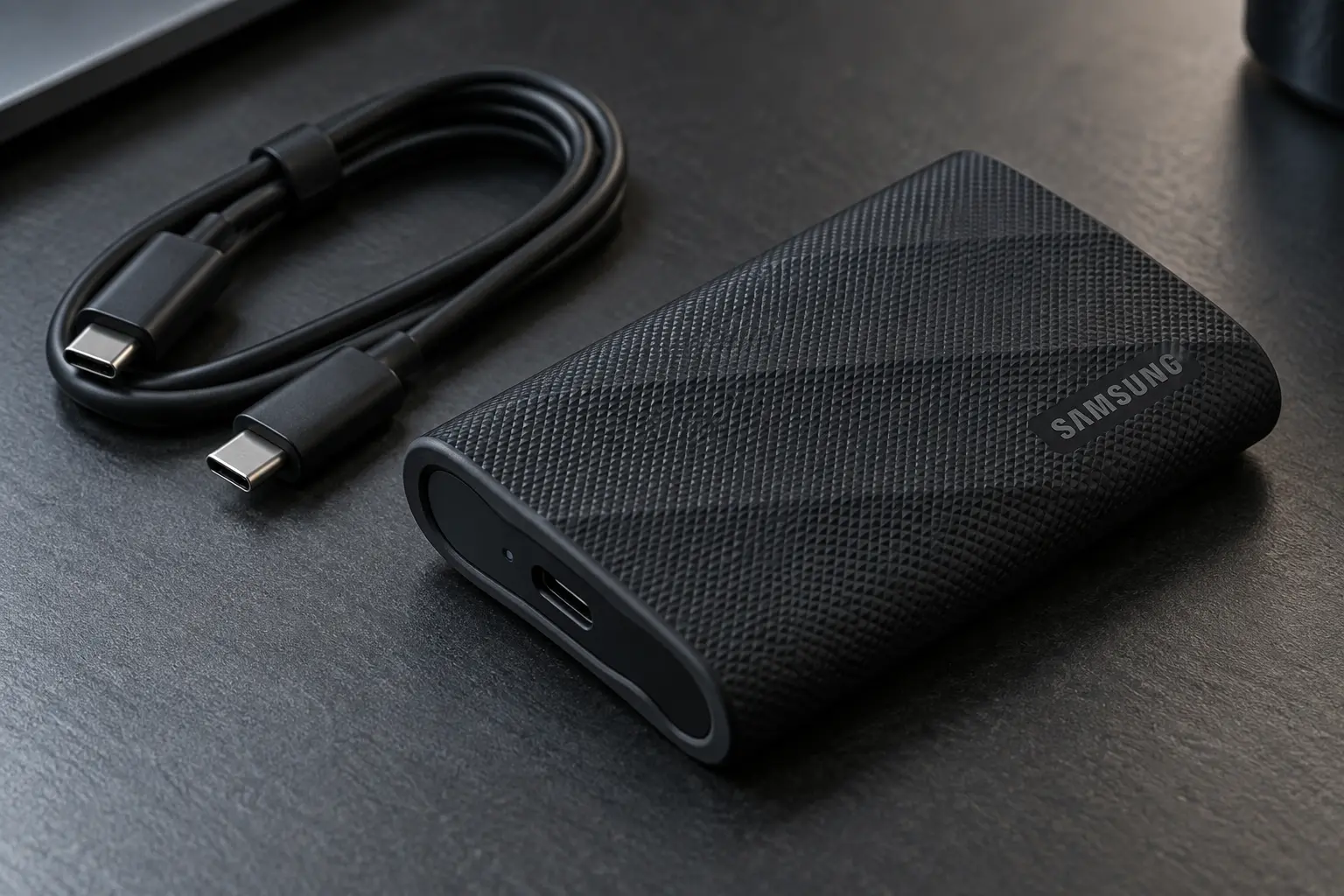
Compatibility and Samsung Magician
The T9 can be used with compatible Windows PCs, Macs, Android devices, cameras, and game consoles, but supported features and formatting requirements vary. Samsung Magician provides firmware updates, drive health information, performance tools, and security management on supported platforms.
AES 256-bit hardware encryption support is useful for portable work files, but buyers should store their password safely. No portable SSD should be the only copy of irreplaceable data.
Pros and Cons
Pros
- Up to 2,000MB/s rated read and write performance
- Strong sustained-transfer focus and thermal management
- Grippy, drop-resistant exterior
- Compact design with two cable types included
- Samsung Magician and encryption support
Cons
- Full speed requires USB 3.2 Gen 2x2 support
- Costs more than capable 10Gbps drives
- Thicker and heavier than the standard T7
- Not the best value for small or occasional transfers
- No water-resistance rating highlighted like a rugged T7 Shield
Who Should Buy the Samsung T9 1TB?
- Buy it if your computer supports 20Gbps USB 3.2 Gen 2x2 and you frequently move large files.
- Consider it if you value the grippy shell and sustained performance for mobile creative work.
- Choose the T7 instead if your devices are limited to 10Gbps USB or your workload is mostly documents and routine backups.
- Compare alternatives if weather resistance or the lowest price per gigabyte matters more than maximum speed.
Final Verdict
The Samsung T9 Portable SSD 1TB is a meaningful upgrade for the right user. Its 2,000MB/s-class interface, thermal management, protective texture, and software support make it a strong portable drive for large creative projects. The catch is compatibility: without a 20Gbps Gen 2x2 port, much of the performance premium goes unused. Check your hardware first, then compare the current price with the T7.
Affiliate disclosure: As an Amazon Associate, TechPick Lab earns from qualifying purchases at no extra cost to you.
Related Storage Reviews
Samsung T7 Portable SSD 1TB Review · Crucial X9 1TB Portable SSD Review · Samsung T7 vs Crucial X9 1TB Comparison