Buy the Samsung T7 if…
- You prefer a slim, premium-feeling metal enclosure.
- You already use Samsung storage products or its management software.
- You want a drive shape that sits flat beside a laptop.
- The T7 is on sale close to the X9's price.
Both drives advertise read speeds of up to 1,050MB/s, so the better choice is less about headline speed and more about design, portability, durability, device support, and the deal available when you buy.
Updated August 12, 2026 · Product specifications and availability can change.
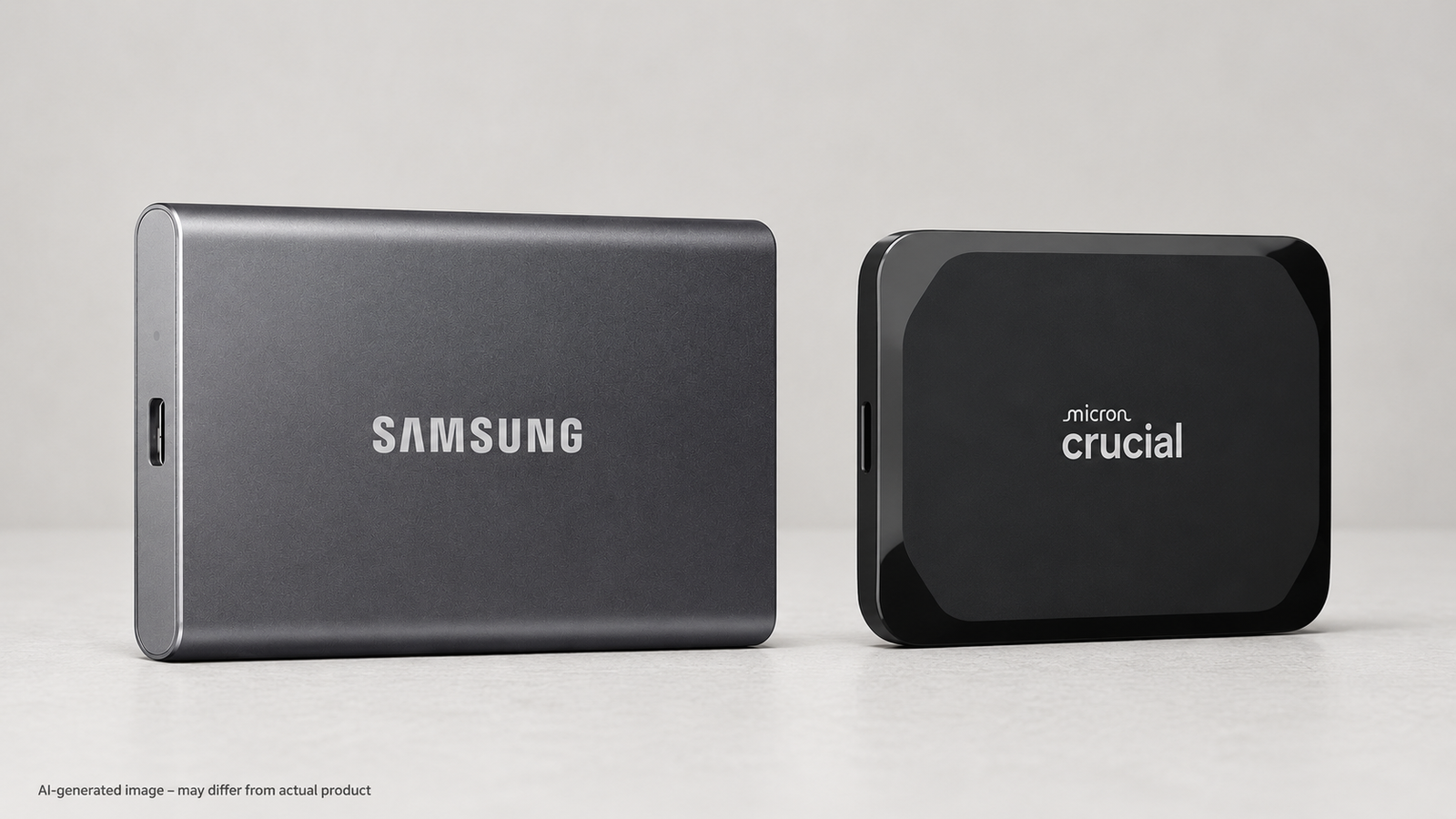
Samsung T7: the more traditional slim metal-drive choice, with Samsung's established portable-SSD software ecosystem and a long rectangular body that slips neatly beside a laptop.
Crucial X9: the better pick for buyers who want a very compact rounded-square drive and broad everyday compatibility. If one is meaningfully cheaper, that price difference can reasonably decide the winner.
| Feature | Samsung T7 1TB | Crucial X9 1TB |
|---|---|---|
| Advertised max read speed | Up to 1,050MB/s | Up to 1,050MB/s |
| Connection | USB 3.2 Gen 2 | USB 3.2 |
| Design | Slim rectangular metal enclosure | Compact rounded-square enclosure |
| Device focus | PC, Mac, mobile and compatible devices | Windows, Mac and Android compatibility highlighted |
| Best fit | ✓ Buyers who prefer a slim metal design | ✓ Buyers prioritizing compact portability |
| Buying advice | Compare the current total price, seller, warranty coverage and included cables before ordering. | |
Advertised speed is a manufacturer maximum. Real performance depends on the computer, port, cable, file size, drive temperature and workload.
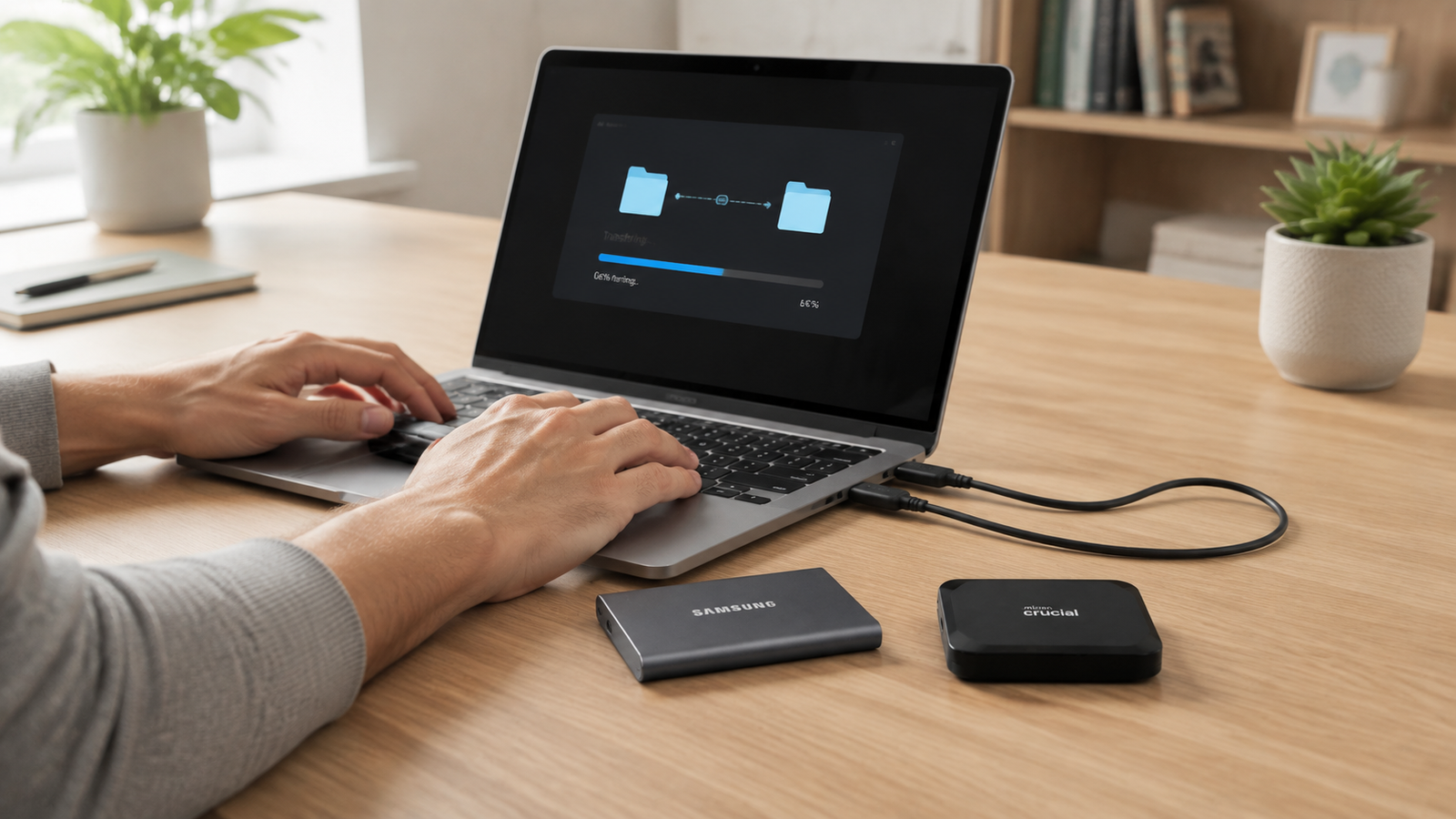
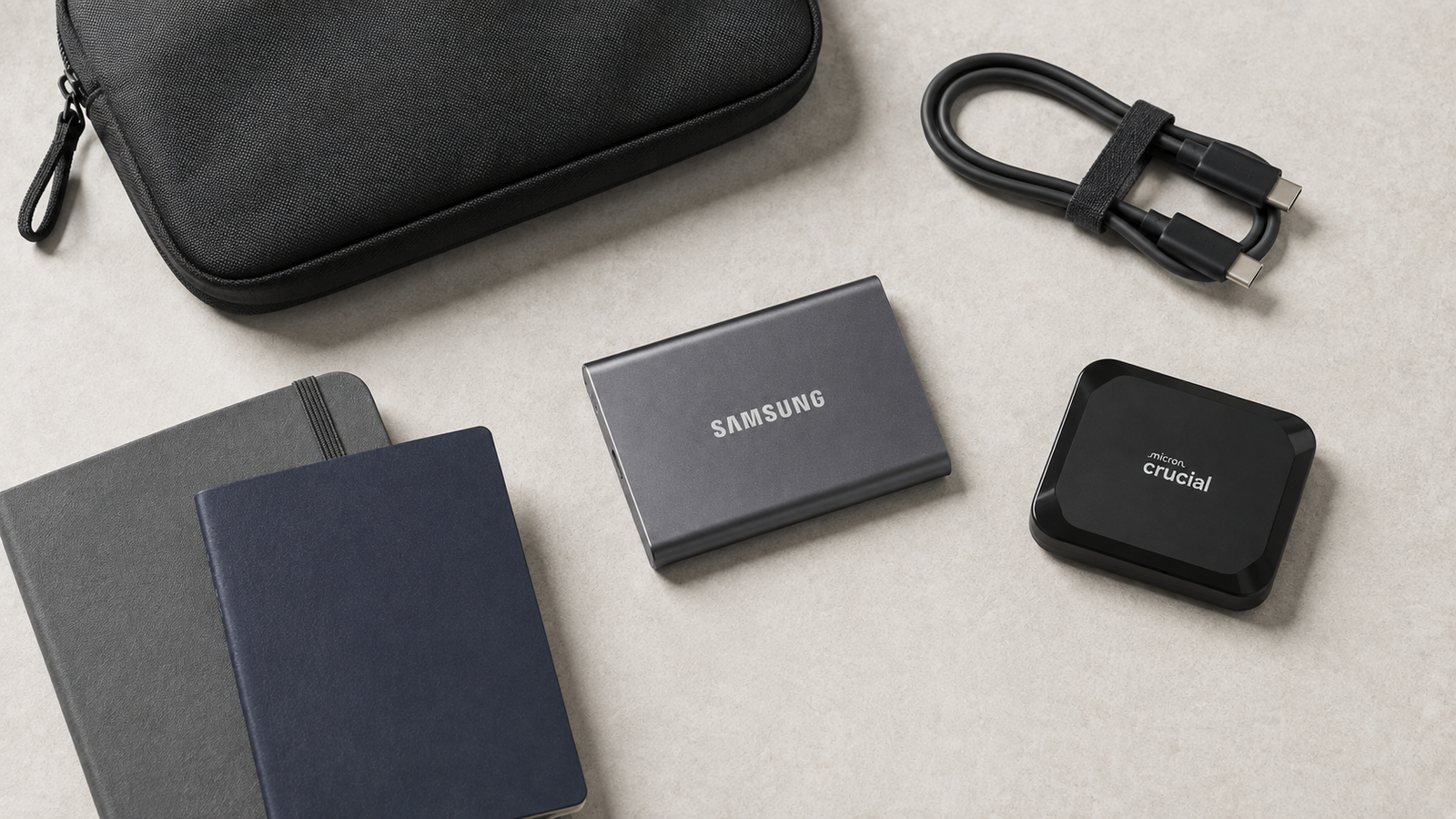
For routine photo libraries, documents, game files and laptop backups, both products sit in the same advertised read-speed class. A user moving many small files may see different results from someone copying one large video file. A slower USB port can also prevent either drive from reaching its advertised maximum.
For that reason, we would not pay a large premium for one solely because of benchmark expectations. The better decision is the drive that matches your devices, preferred shape and current budget.
Both advertise read speeds up to 1,050MB/s. Actual speeds vary by host device, USB port, cable, temperature and workload.
Both product lines support Mac use, but you may need to confirm or change the drive format depending on the devices you plan to share it with.
Both are portable. The Crucial X9 has a compact square footprint; the Samsung T7 is longer but notably slim. Choose the shape that packs better with your gear.
When seller quality and warranty coverage are comparable, a meaningful price difference is a sensible deciding factor because their advertised read-speed class is the same.