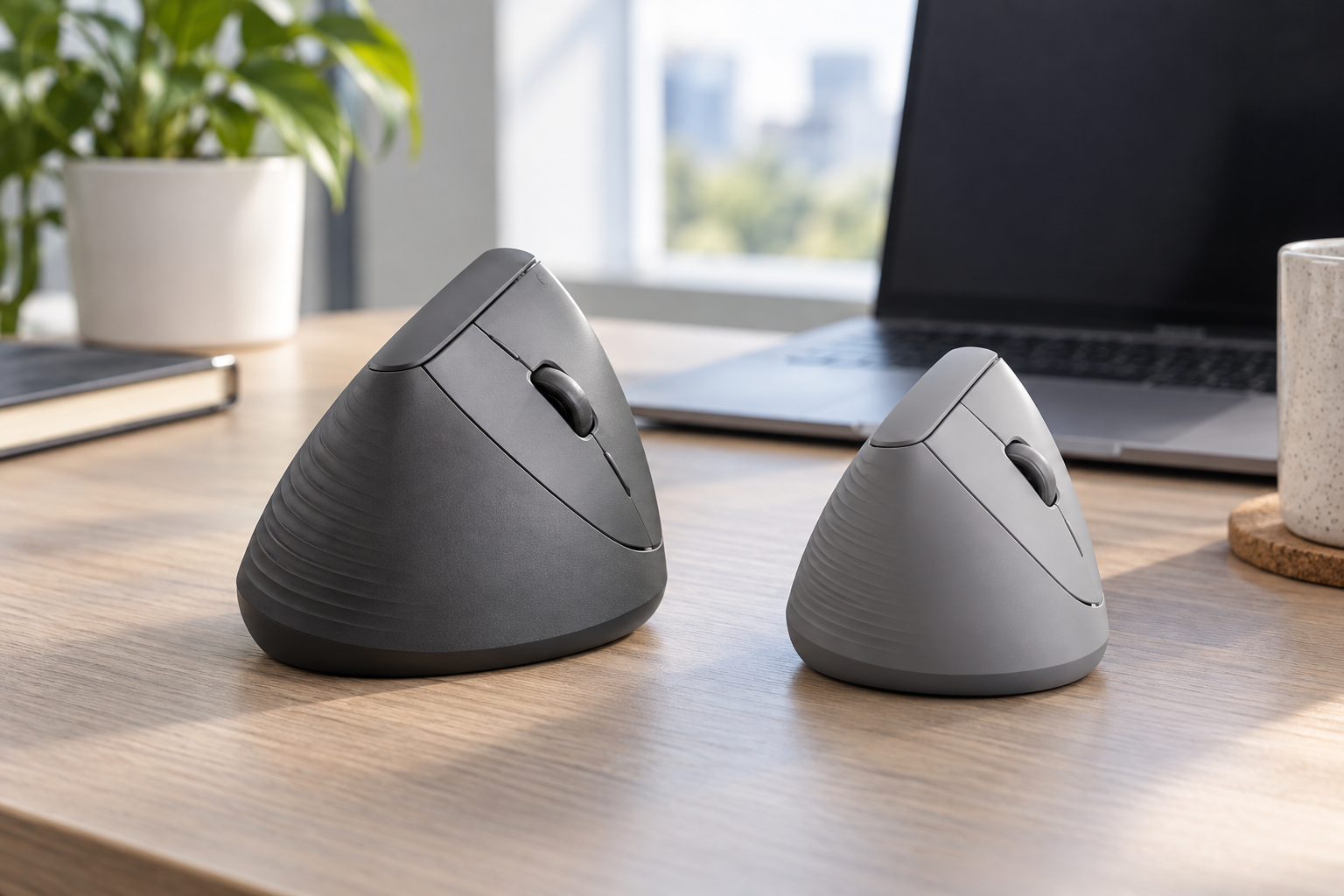
 AI-generated image; may differ from the actual products.
Quick Verdict
Choose the Logitech Lift if your hand is small or medium, you want quiet clicks, and you prefer a compact mouse that can travel easily. Choose the MX Vertical if your hand is medium or large, you want USB-C recharging, and you prefer a taller body with more palm support. Neither is universally better—the wrong size can turn an ergonomic design into an uncomfortable purchase.
As an Amazon Associate, TechPick Lab earns from qualifying purchases. Prices and availability may change.
At a Glance
| Decision | Logitech Lift | Logitech MX Vertical |
|---|---|---|
| Best hand fit | Small to medium | Medium to large |
| Ergonomic angle | 57 degrees | 57 degrees |
| Approximate weight | 125 g | 135 g |
| Power | One AA battery; rated up to 24 months | USB-C rechargeable; rated up to four months |
| Wireless connection | Bluetooth and Logi Bolt receiver | Bluetooth and Unifying receiver |
| Device switching | Up to three devices | Up to three devices |
| Main advantage | Compact size and quiet clicks | Larger-hand support and USB-C charging |
Hand Size Decides the Winner
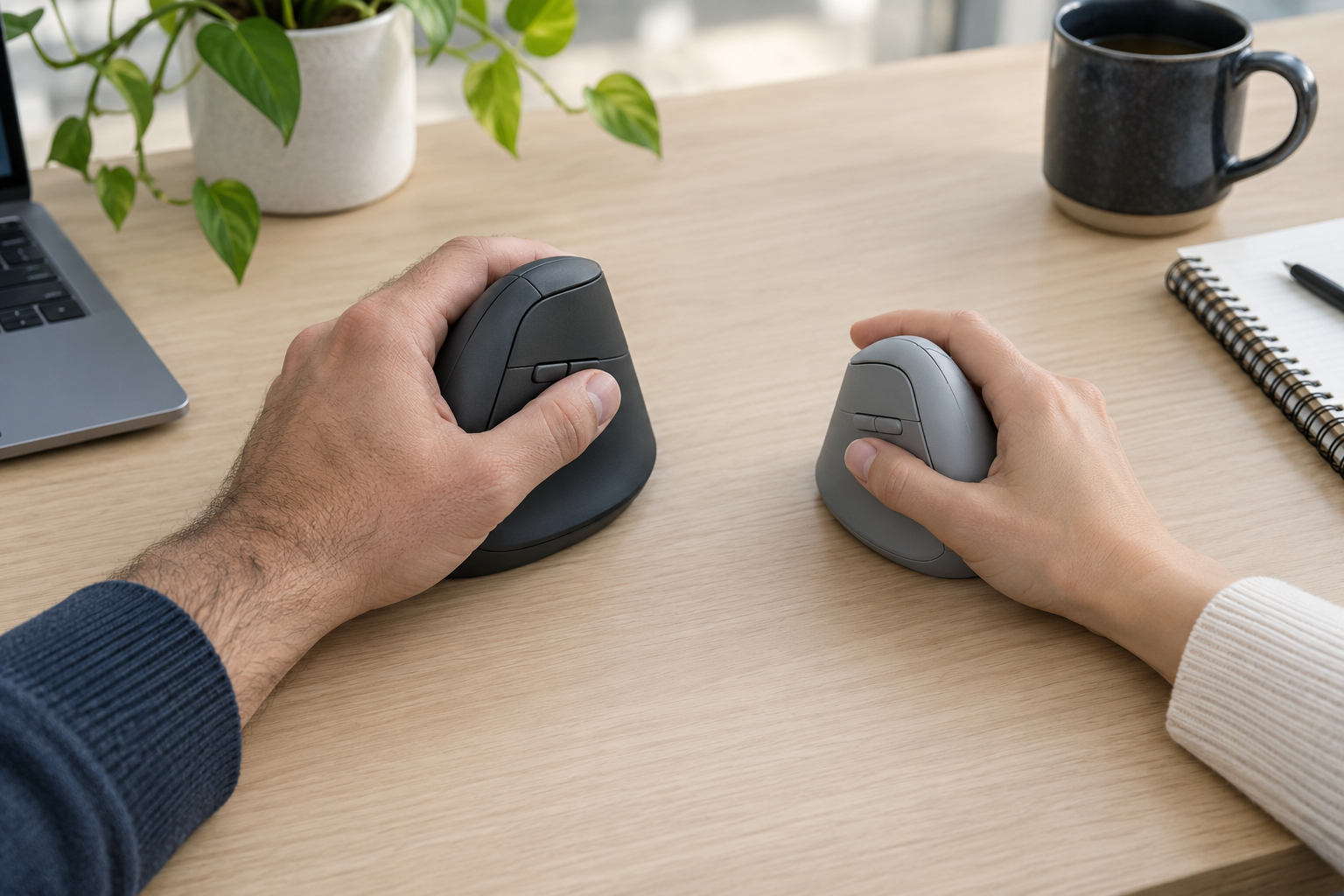
The Lift was designed for small to medium hands. Its shorter body, compact thumb rest, and closer controls make it easier to reach every button without shifting the grip. It is also available in right- and left-handed versions in selected markets.
The MX Vertical gives a medium or large right hand more surface area. Its taller and broader shell can feel more stable at a permanent workstation, but short fingers may stretch toward the wheel and main buttons. Both use the same 57-degree concept, so the size difference matters more than the angle.
Comfort is personal, and neither mouse diagnoses or treats a medical condition. Desk height, shoulder position, grip tension, breaks, and gradual adjustment still matter.
Battery, Charging, and Connections
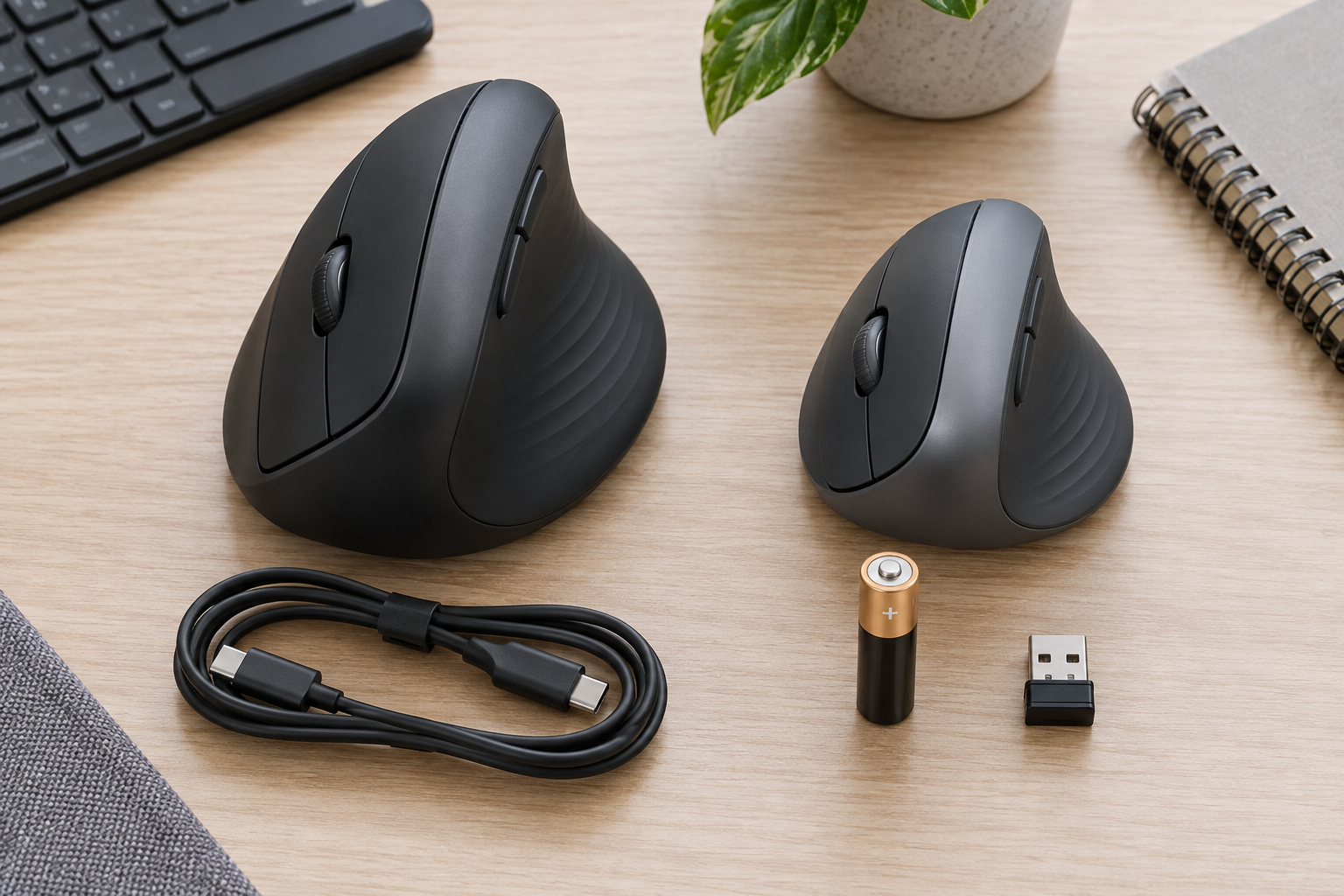
The Lift runs from one AA battery and is rated for up to 24 months, depending on use. It connects through Bluetooth Low Energy or the included Logi Bolt receiver and can switch among three paired devices.
The MX Vertical has an internal rechargeable battery rated for up to four months. It supports Bluetooth, the included Unifying receiver, and USB-C wired use while charging. It also switches among three computers and supports Logitech Flow after software setup.
Choose the Lift if you want long set-and-forget battery life. Choose the MX Vertical if you prefer recharging over replacing batteries or want to keep working through a cable.
Quiet Office Use or Permanent Desk Comfort?
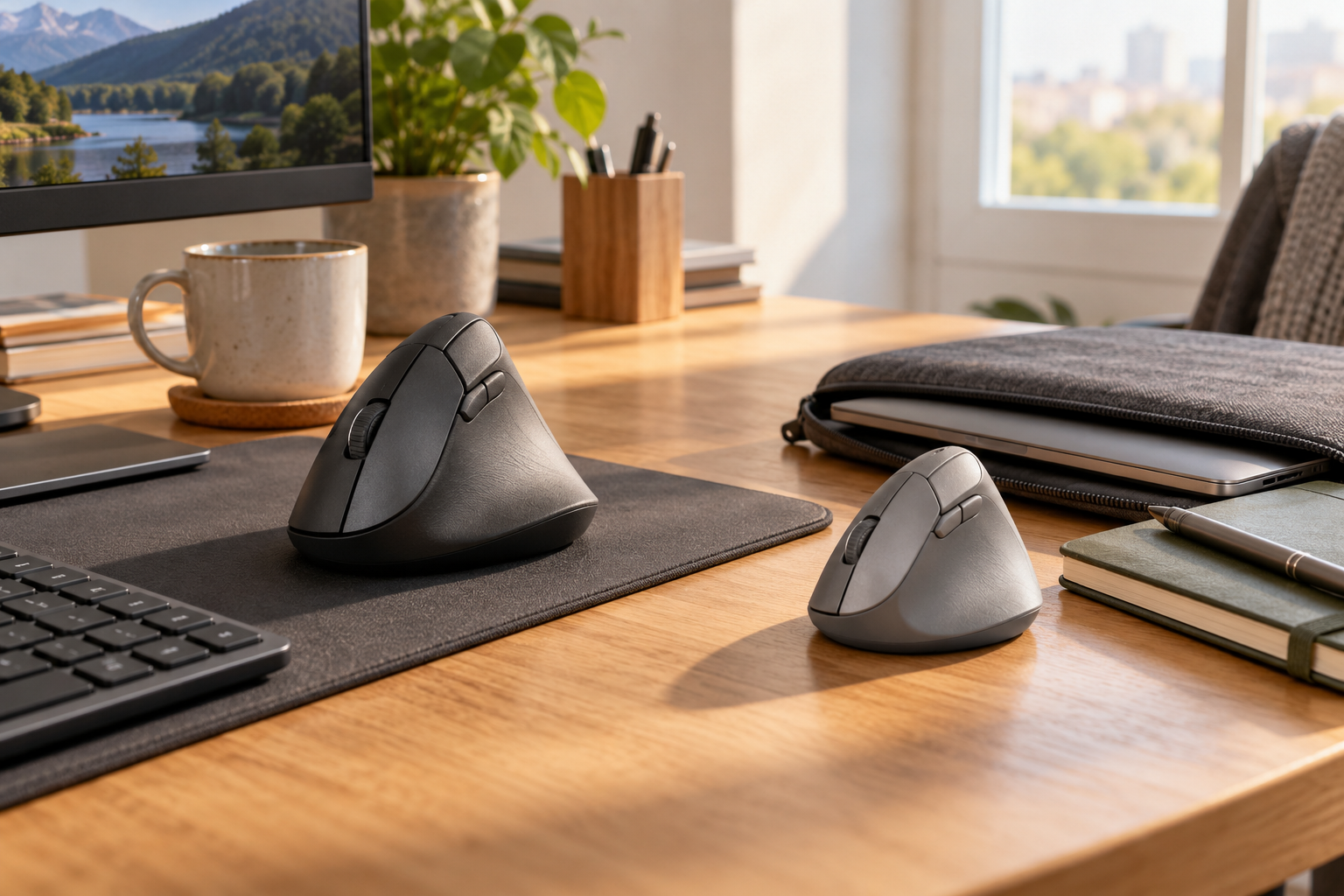
The Lift's quiet main buttons are a meaningful advantage in shared rooms, calls, and late-night work. Its SmartWheel handles precise scrolling and faster movement through long pages, while Logi Options+ supports button customization.
The MX Vertical offers accurate tracking up to 4,000 DPI, a cursor-speed button, useful side controls, and a larger palm-supporting shape. Its clicks are more noticeable, and it lacks the MX Master line's MagSpeed wheel. Its extra size and weight are less convenient in a laptop bag but can feel planted on a desktop.
Which One Should You Buy?
Buy Logitech Lift If…
- Your hand is small or medium
- Quiet clicks matter
- You prefer a compact travel-friendly body
- You want long AA battery life
- You use a left hand and can find the left-handed model
Buy MX Vertical If…
- Your hand is medium or large
- You want more palm support
- You prefer USB-C recharging
- You want wired use while charging
- The mouse will stay at a main workstation
Final Recommendation
For most small- and medium-handed office users, the Logitech Lift is the safer recommendation because its compact fit, quiet clicks, long battery life, and portability are easier to live with. For a medium or large right hand, the MX Vertical is the better fit when its larger shell and USB-C charging match the way you work. Do not buy the more expensive mouse simply because it looks more premium—buy the size your fingers can reach without strain.
As an Amazon Associate, TechPick Lab earns from qualifying purchases.
Editorial Note
Core specifications were checked against Logitech's published information for the Lift and MX Vertical. Battery life varies with use, settings, and environment. Comfort depends on individual hand size and workstation setup.