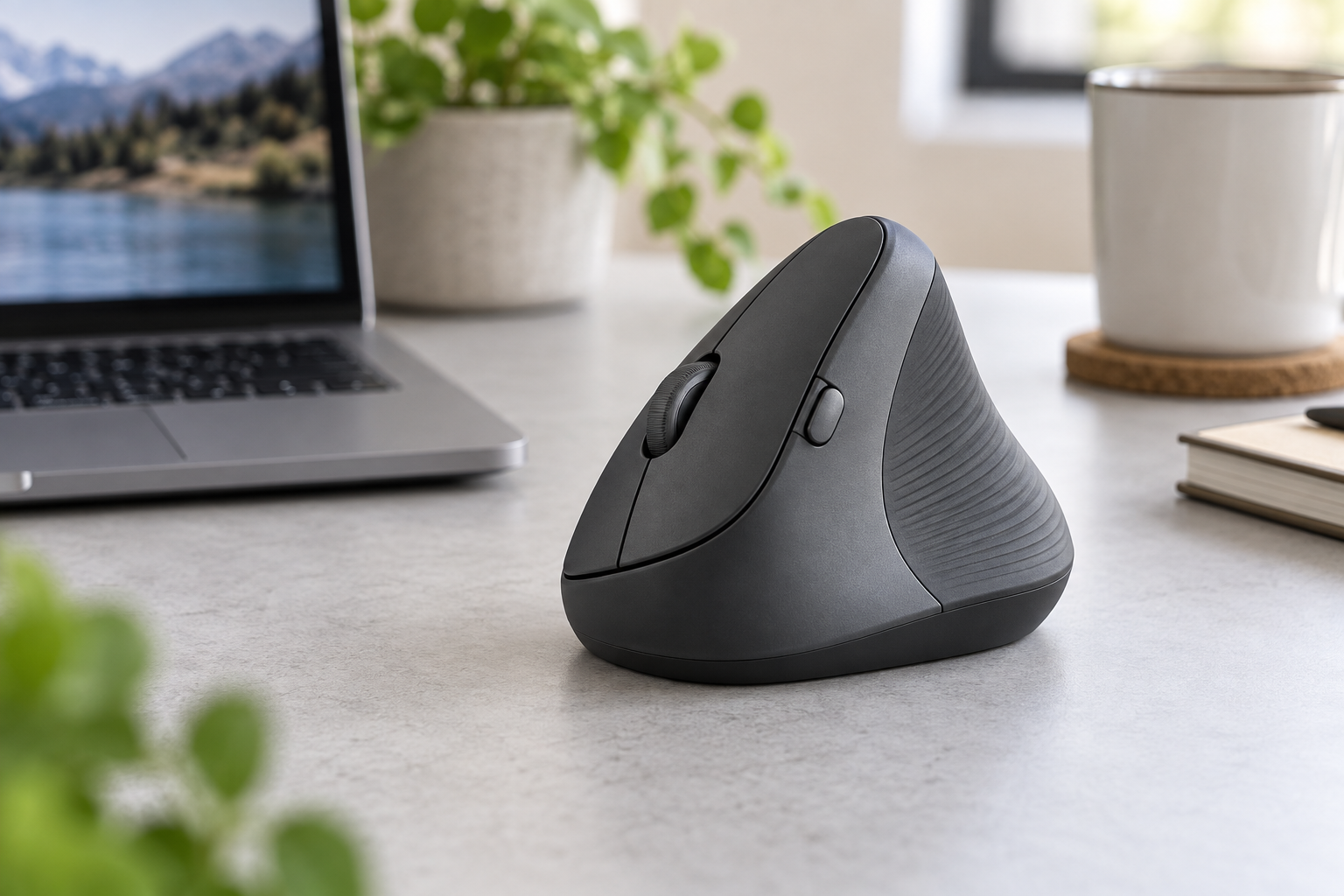
 AI-generated image; may differ from the actual product.
Quick Verdict
The Logitech Lift is an excellent productivity mouse for small to medium hands when comfort, quiet clicks, and easy multi-device switching matter more than gaming speed. Its 57-degree posture, textured thumb rest, SmartWheel, Bluetooth and included Logi Bolt receiver make it a polished daily-work option. It is not a medical treatment, and large-handed users may prefer the bigger MX Vertical, but the Lift is one of the easiest premium vertical mice to recommend for office use.
As an Amazon Associate, TechPick Lab earns from qualifying purchases. Product availability and prices may change.
Key Specifications
Comfort and the 57-Degree Shape
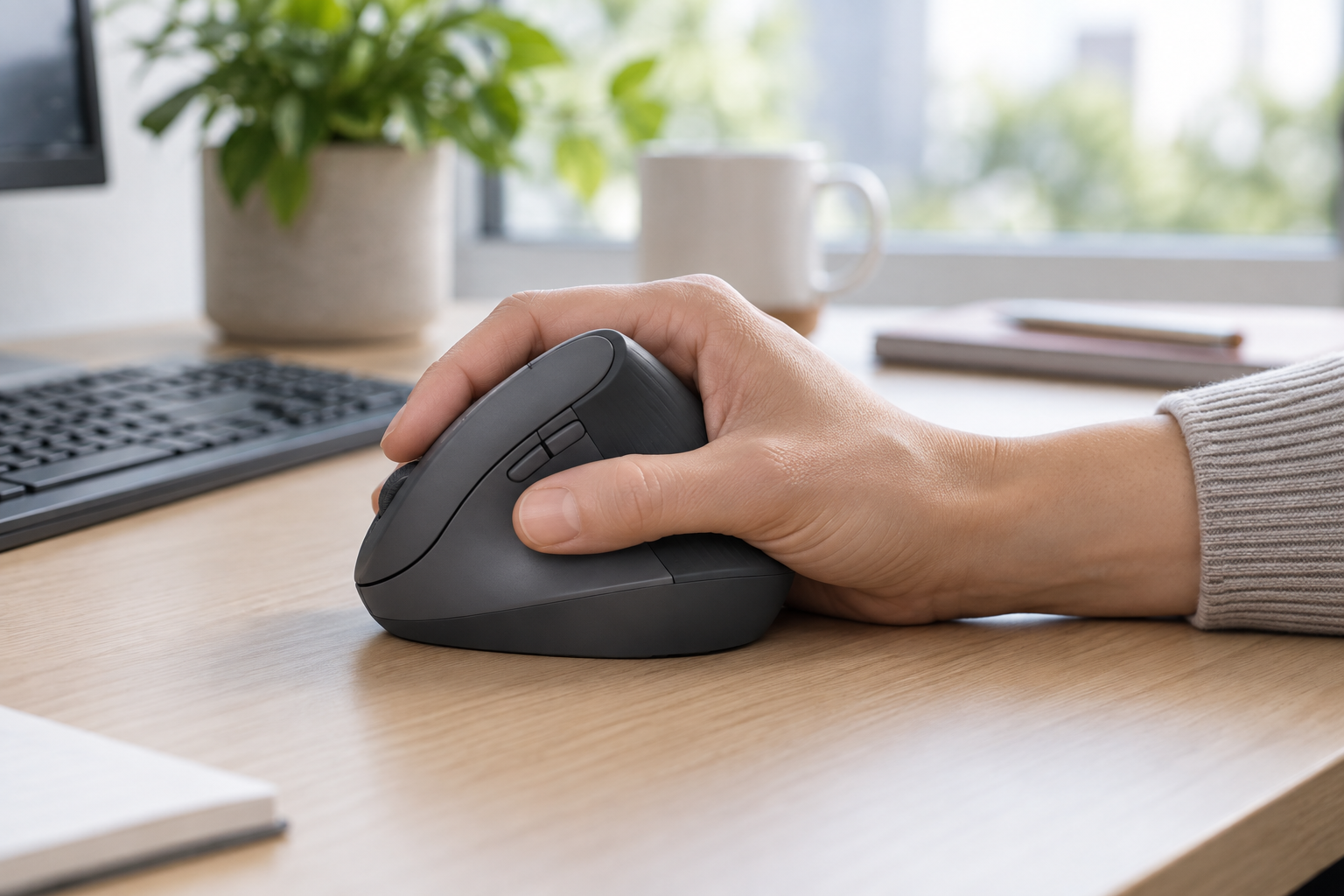
Unlike a conventional mouse, the Lift lets the palm face inward. Logitech describes this as a natural handshake position. The softly textured grip and thumb rest provide support without forcing a tight grip, while the smaller body is specifically shaped for small to medium hands.
Expect an adjustment period. Pointer control can initially feel different because the hand approaches the buttons from the side. Most office tasks become familiar quickly, but shoppers with very large hands should compare the Lift with Logitech's larger MX Vertical before buying.
Quiet Controls and SmartWheel
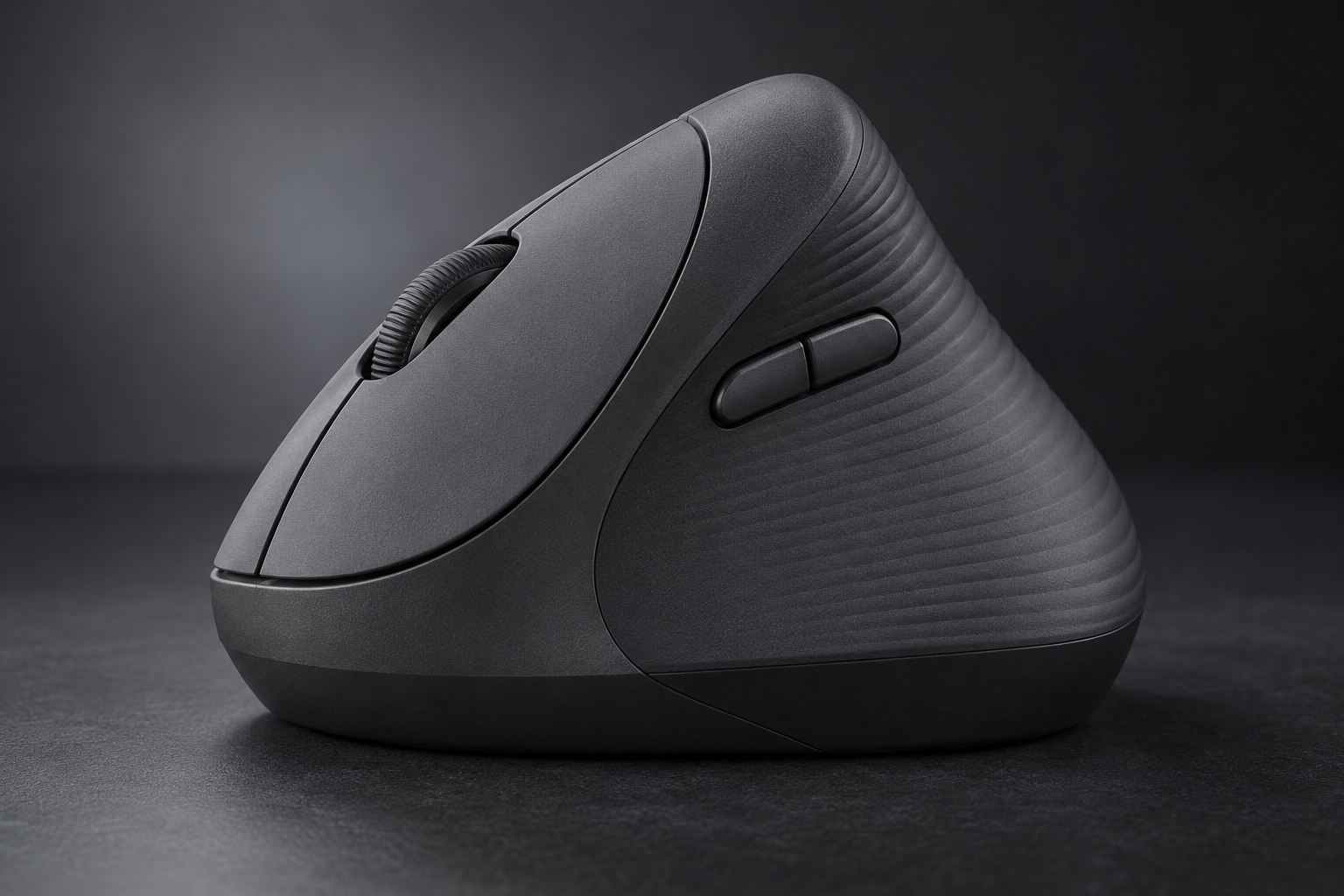
The Lift works particularly well in shared offices and quiet rooms. Its subdued clicks are less distracting than the sharper sound of many standard mice. The SmartWheel offers controlled scrolling for spreadsheets and menus, then moves more freely when a longer page needs to be covered quickly.
Four of the six buttons can be customized with Logi Options+, allowing app-specific shortcuts such as copy, paste, back, forward, or window controls. This adds practical productivity value, although users who cannot install software on a managed computer will be limited to the default functions.
Three-Device Wireless Setup
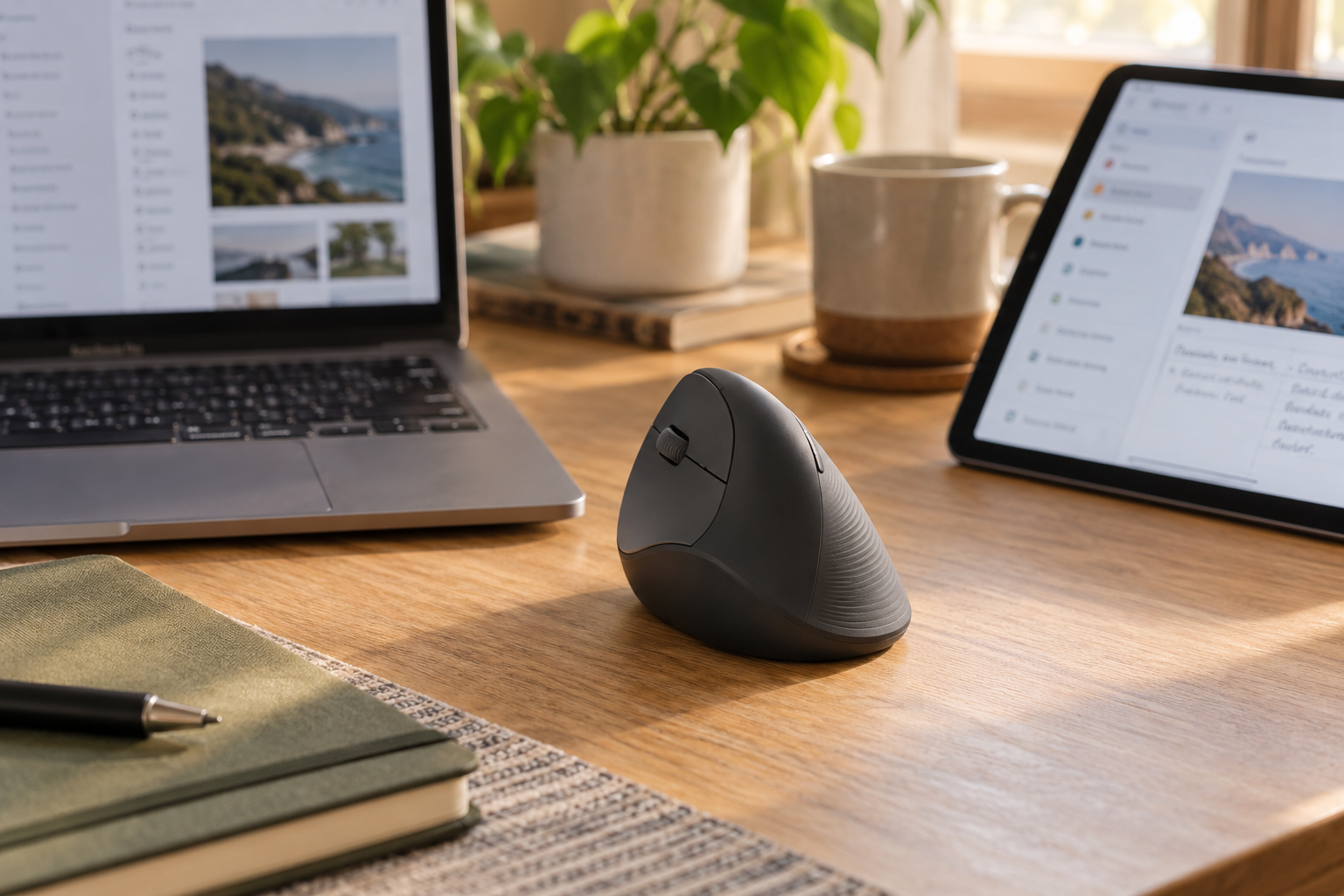
The Lift can pair with up to three devices and switch between them using the Easy-Switch control underneath. Bluetooth avoids using a port, while the Logi Bolt receiver is convenient for desktops or systems where Bluetooth is unreliable. Logitech Flow support can also move the cursor and copy content between compatible computers after software setup.
Power comes from one AA battery, with Logitech rating battery life at up to 24 months. Actual runtime varies with use and conditions, but this design avoids frequent charging and suits a set-it-and-forget-it office setup.
Strengths and Tradeoffs
What We Like
- Comfort-focused 57-degree shape
- Excellent fit for small to medium hands
- Quiet clicks and useful SmartWheel
- Bluetooth plus included Logi Bolt receiver
- Pairs with up to three devices
- Long rated AA battery life
What to Consider
- Not ideal for very large hands
- Short adjustment period for new vertical-mouse users
- Right- and left-handed models must be chosen carefully
- Uses an AA battery instead of USB-C charging
- Not designed as a high-performance gaming mouse
- Full customization requires Logi Options+
Final Recommendation
Choose the Logitech Lift if you spend long hours on office work, have a small or medium hand, and want a quieter, more supportive alternative to a flat mouse. Its refined shape and flexible wireless setup justify the premium over many budget vertical mice. If you have a large hand or need gaming-focused performance, choose a model designed for those priorities instead.
As an Amazon Associate, TechPick Lab earns from qualifying purchases.
Specification Source
Core specifications and compatibility were checked against Logitech's official Lift product information. Comfort is personal, and an ergonomic mouse does not diagnose or treat a medical condition.