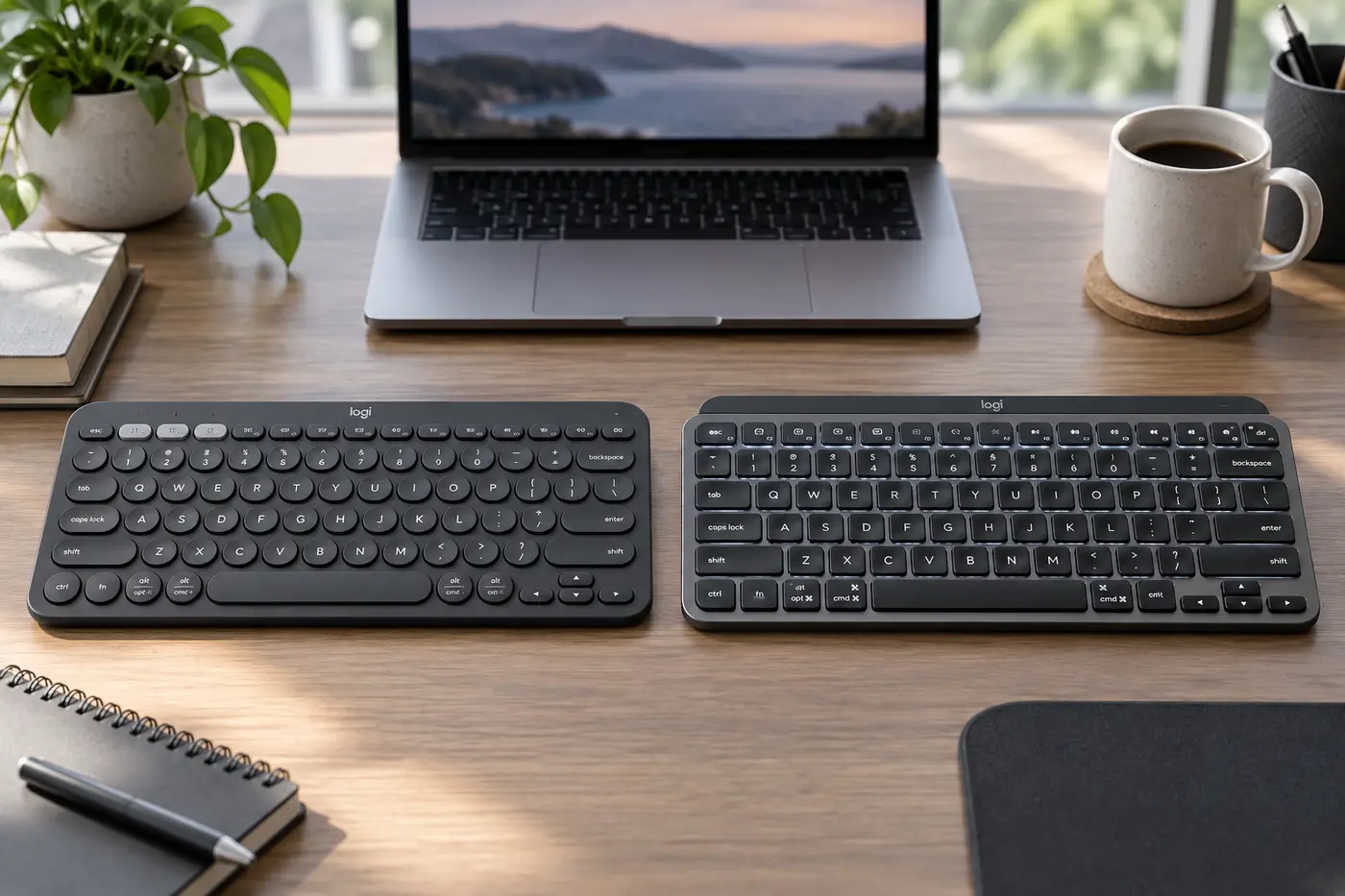
 AI-generated image; product appearance may vary.
Quick Verdict
Choose the K380s for travel, casual typing, long battery life, and the lowest price. Choose the MX Keys Mini if you type for hours, work in dim rooms, prefer USB-C charging, and value a more stable premium key feel. Both handle three devices well, but the MX Keys Mini is an upgrade in comfort and finish—not a dramatic upgrade in basic functionality.
As an Amazon Associate, TechPick Lab earns from qualifying purchases. Prices and availability may change.
K380s vs MX Keys Mini at a Glance
| Feature | Logitech K380s | MX Keys Mini |
|---|---|---|
| Typing feel | Soft, quiet, lightweight | More stable and refined |
| Backlight | None | Smart illumination |
| Power | 2 AAA; up to 36 months claimed | USB-C; up to 10 days lit or 5 months unlit |
| Device switching | Up to 3 devices | Up to 3 devices |
| Portability | Lighter and easier to carry | Compact but heavier |
| Receiver | Bluetooth only | Bluetooth; Logi Bolt compatible, receiver sold separately |
| Best value | Casual and mobile use | Daily premium productivity |
Typing Feel: Good Value vs Premium Control
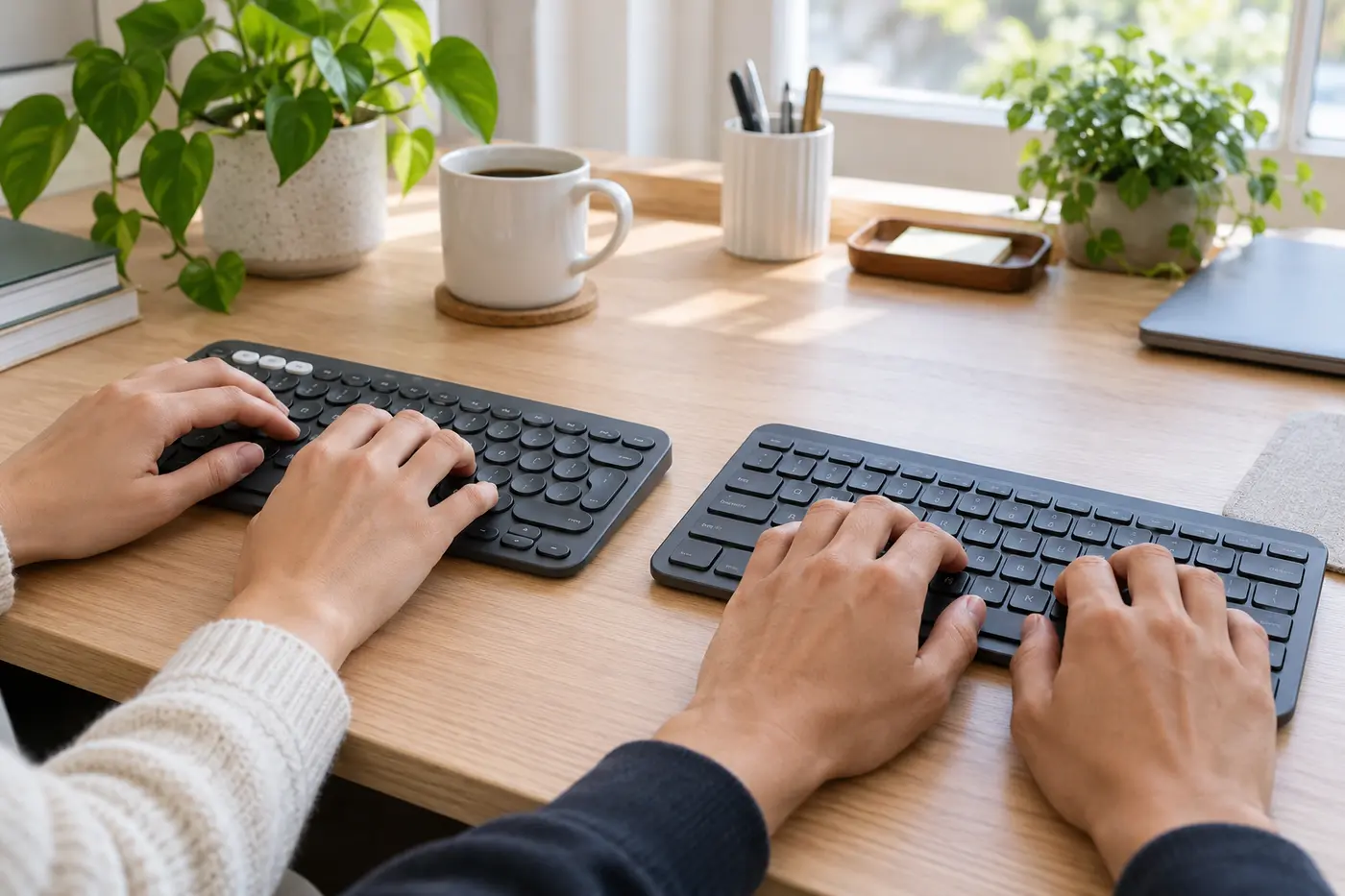
The K380s is comfortable for email, messaging, class notes, and everyday documents. Its circular keys feel soft and laptop-like, although the tight spacing and lighter chassis can feel less substantial during heavy use.
The MX Keys Mini is the stronger choice for frequent writers. Its dished keycaps guide fingertips toward the center, and each press feels more stable. Neither keyboard offers mechanical-switch depth, but the MX model delivers the more polished office typing experience.
Portability: The K380s Still Wins
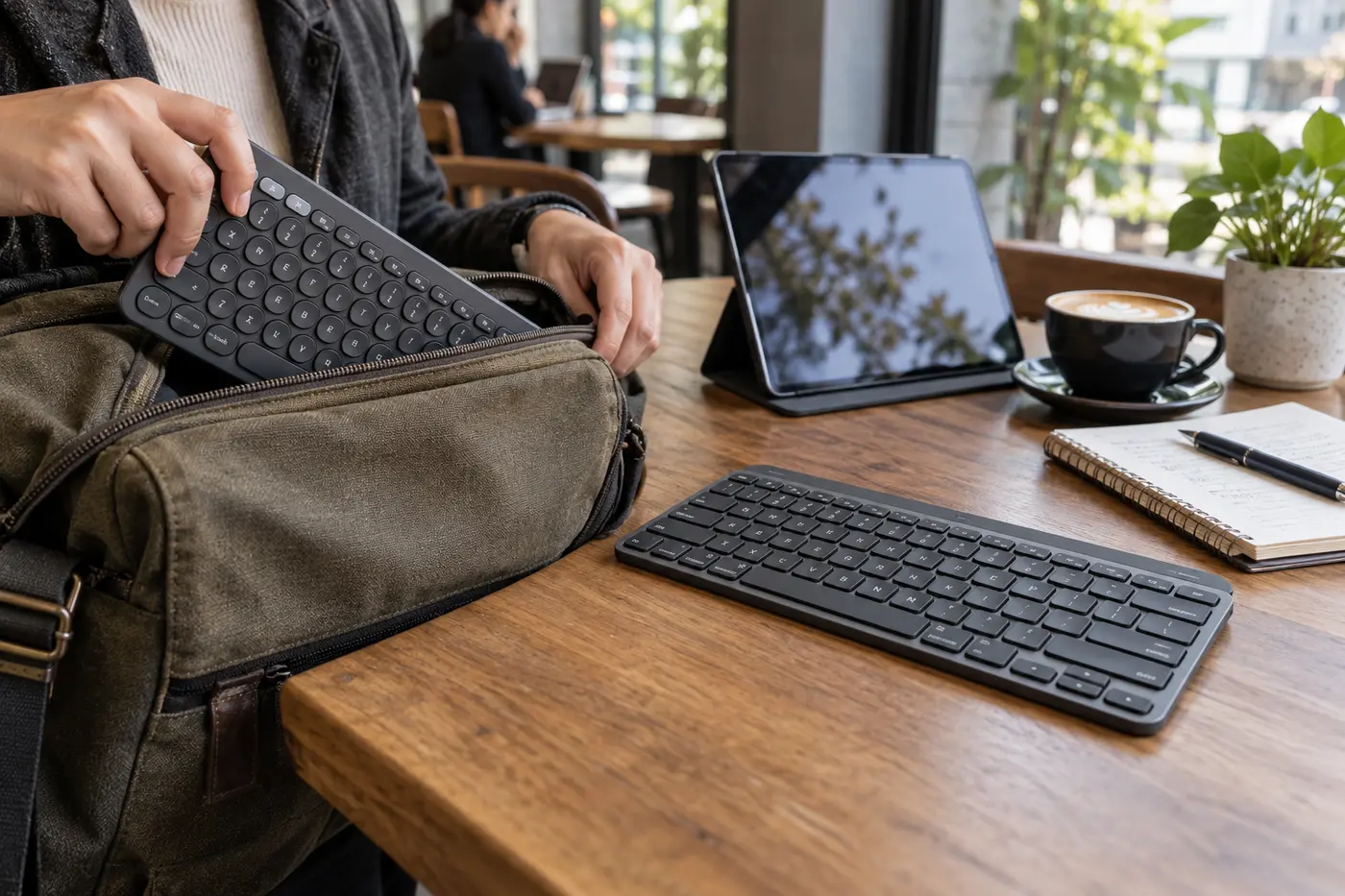
The K380s is the practical pick for a backpack, tablet kit, classroom, or hot-desk routine. Its replaceable AAA batteries also remove the need to carry a charging cable. The MX Keys Mini remains compact, but its heavier build makes it feel more like a permanent premium desk keyboard that can travel when necessary.
Both omit the number pad and leave more room for mouse movement. Users who spend much of the day entering numbers should choose a full-size model instead.
Backlight and Power: Two Different Priorities
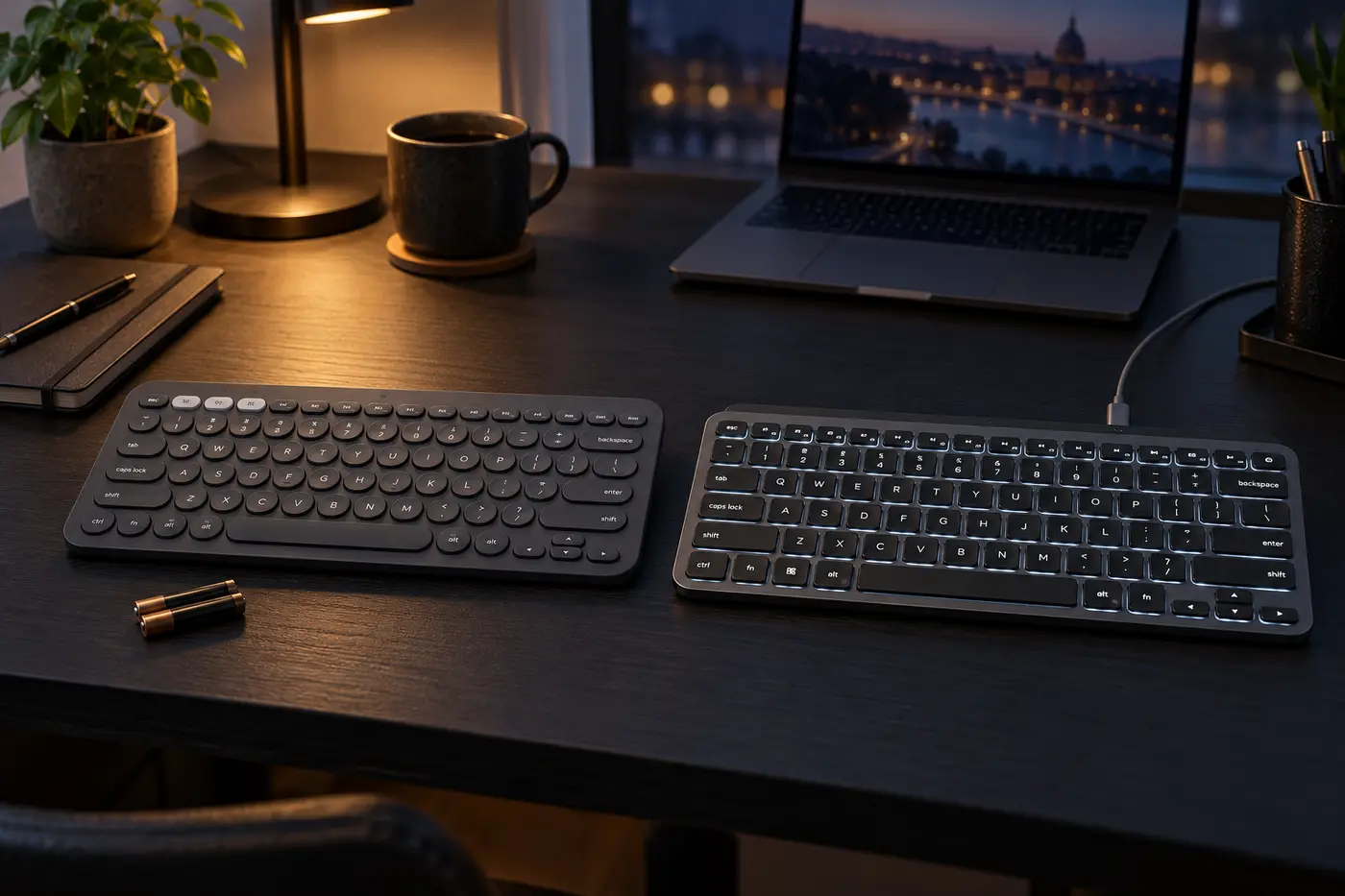
The K380s has no backlight, but Logitech claims up to 36 months from two AAA batteries. That makes it an excellent low-maintenance option. The MX Keys Mini senses when your hands approach and illuminates the keys, a meaningful advantage in dim rooms.
Logitech rates the MX Keys Mini for up to 10 days with backlighting or up to five months with it disabled. USB-C charging is easy, although the cable charges the keyboard rather than providing wired typing.
Who Should Buy Which?
Buy the K380s If…
- You want the lower-priced option
- You regularly carry your keyboard
- You prefer years of AAA battery life
- You type casually across three devices
- You do not need backlighting
Buy the MX Keys Mini If…
- You type for long periods every day
- You want smart illuminated keys
- You prefer USB-C recharging
- You value a heavier premium build
- You want more precise key stability
Final Recommendation
For most budget-conscious mobile users, the K380s provides the essential multi-device experience for less. The MX Keys Mini earns its premium for serious daily typing, smart backlighting, and higher build quality. Upgrade only if those refinements affect how you work; otherwise, the K380s remains the smarter value.
As an Amazon Associate, TechPick Lab earns from qualifying purchases.
Specification Sources
Core features and battery claims were checked against Logitech's official Pebble Keys 2 and MX Keys Mini product information.