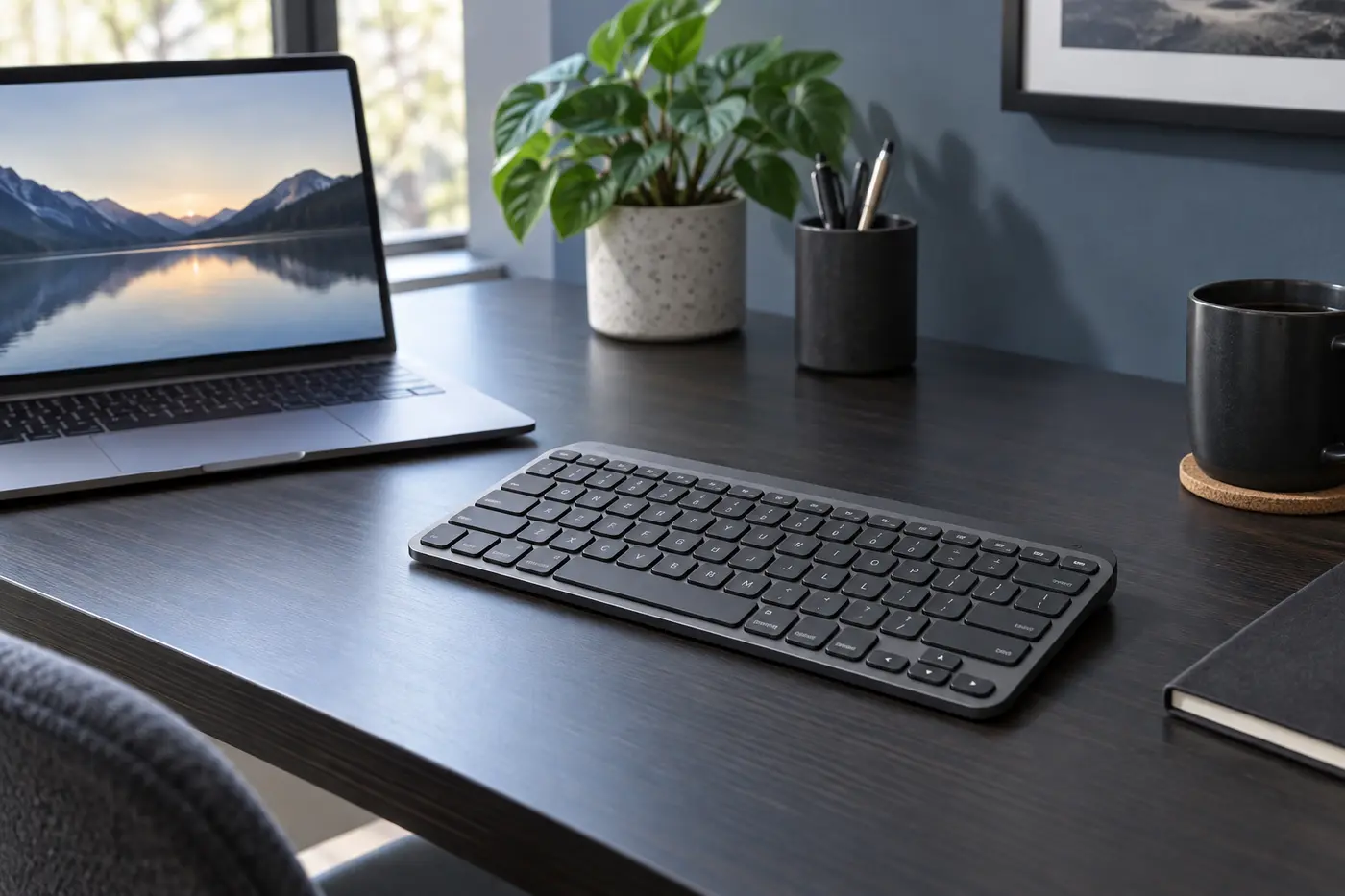
 AI-generated image; product appearance may vary.
Quick Verdict
The Logitech MX Keys Mini is one of the strongest compact productivity keyboards for writers, creators, and multi-device workers. Its quiet typing, proximity-activated backlight, solid construction, and three-device Easy-Switch controls feel meaningfully more polished than budget alternatives. It is worth the premium if you type every day and want a compact rechargeable keyboard. Skip it if you need a number pad, mechanical switches, or a USB receiver included in the box.
As an Amazon Associate, TechPick Lab earns from qualifying purchases. Product availability and prices may change.
Key Specifications
Typing Feel: The Main Reason to Pay More

The typing experience is the MX Keys Mini's strongest argument. Each key has a subtle dish that helps center your fingertips, while the short scissor-switch travel feels controlled rather than mushy. It is quiet enough for shared offices and late-night work, yet still feels substantial during long writing sessions.
The compact layout keeps the main keys familiar but removes the number pad and compresses some navigation controls. Most laptop users will adapt quickly. Spreadsheet-heavy users and anyone who regularly enters numbers should consider the full-size MX Keys S instead.
Three Devices, One Premium Workspace
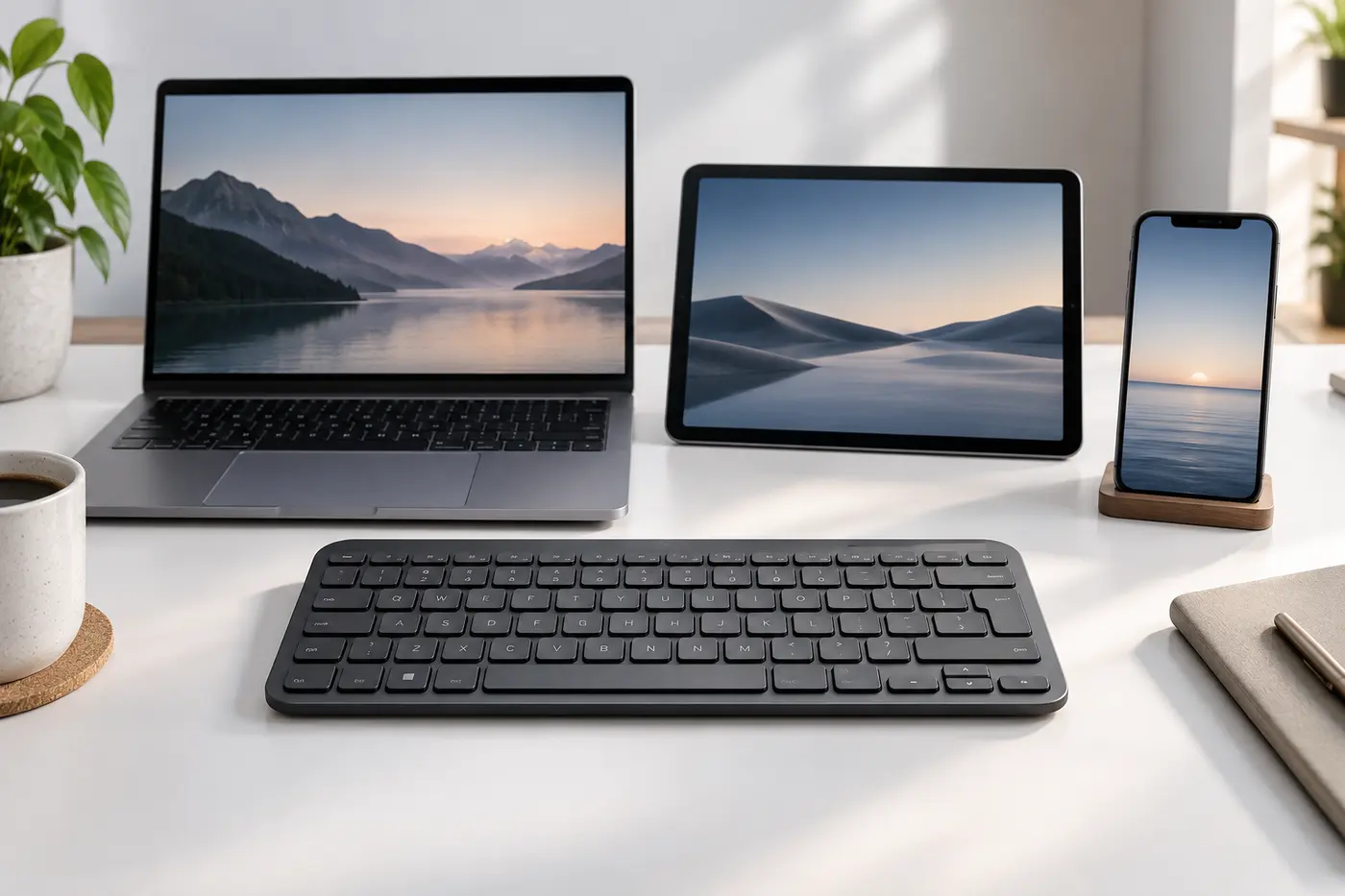
The keyboard can stay paired with up to three devices, and switching takes one key press. This is genuinely useful for anyone who writes on a Windows PC, answers messages on a tablet, and occasionally types on a phone. Broad operating-system support also makes it a flexible choice for mixed-device households.
The standard retail model connects directly over Bluetooth and is compatible with a Logi Bolt receiver, but the receiver is generally sold separately. Buyers with a desktop computer that lacks dependable Bluetooth should account for that extra accessory.
Smart Backlighting and Battery Life
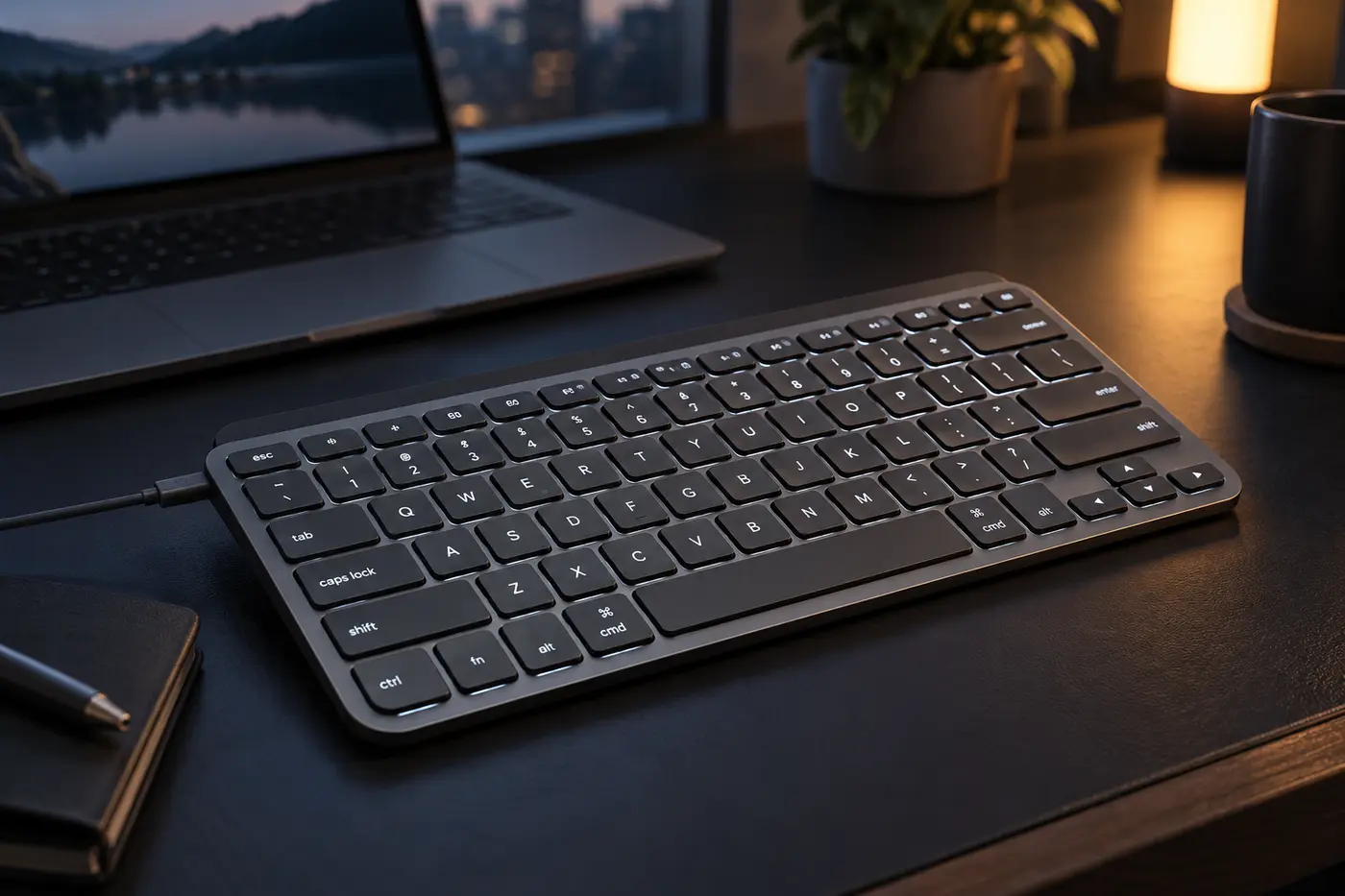
Smart illumination is one of the clearest upgrades over the K380s. Sensors wake the backlight when your hands approach, and brightness can adapt to ambient light. It looks polished and makes the keyboard easier to use in dim rooms.
Logitech rates battery life at up to 10 days with backlighting or up to five months with the lighting disabled. Actual runtime varies with brightness and use. USB-C charging is convenient, although the connection is for charging rather than wired keyboard operation.
Strengths and Tradeoffs
What We Like
- Excellent quiet low-profile typing
- Compact, sturdy premium design
- Smart proximity-activated backlight
- Switches among three devices
- USB-C rechargeable battery
- Broad multi-OS compatibility
What to Consider
- Expensive for a compact keyboard
- No dedicated number pad
- Logi Bolt receiver not normally included
- No wired typing over the USB-C cable
- Not designed for mechanical-keyboard fans
- Compact navigation keys need adjustment
Final Recommendation
Buy the MX Keys Mini if typing quality, backlighting, and multi-device convenience matter more than having a number pad. It is especially compelling for writers, creators, laptop users, and tidy desk setups. The cheaper K380s remains the better value for casual mobile use, while the K650 is better for buyers who prioritize a full-size layout and wrist support.
As an Amazon Associate, TechPick Lab earns from qualifying purchases.
Specification Source
Core features and battery claims were checked against Logitech's official MX Keys Mini product information. Battery life depends on use, settings, and operating conditions.