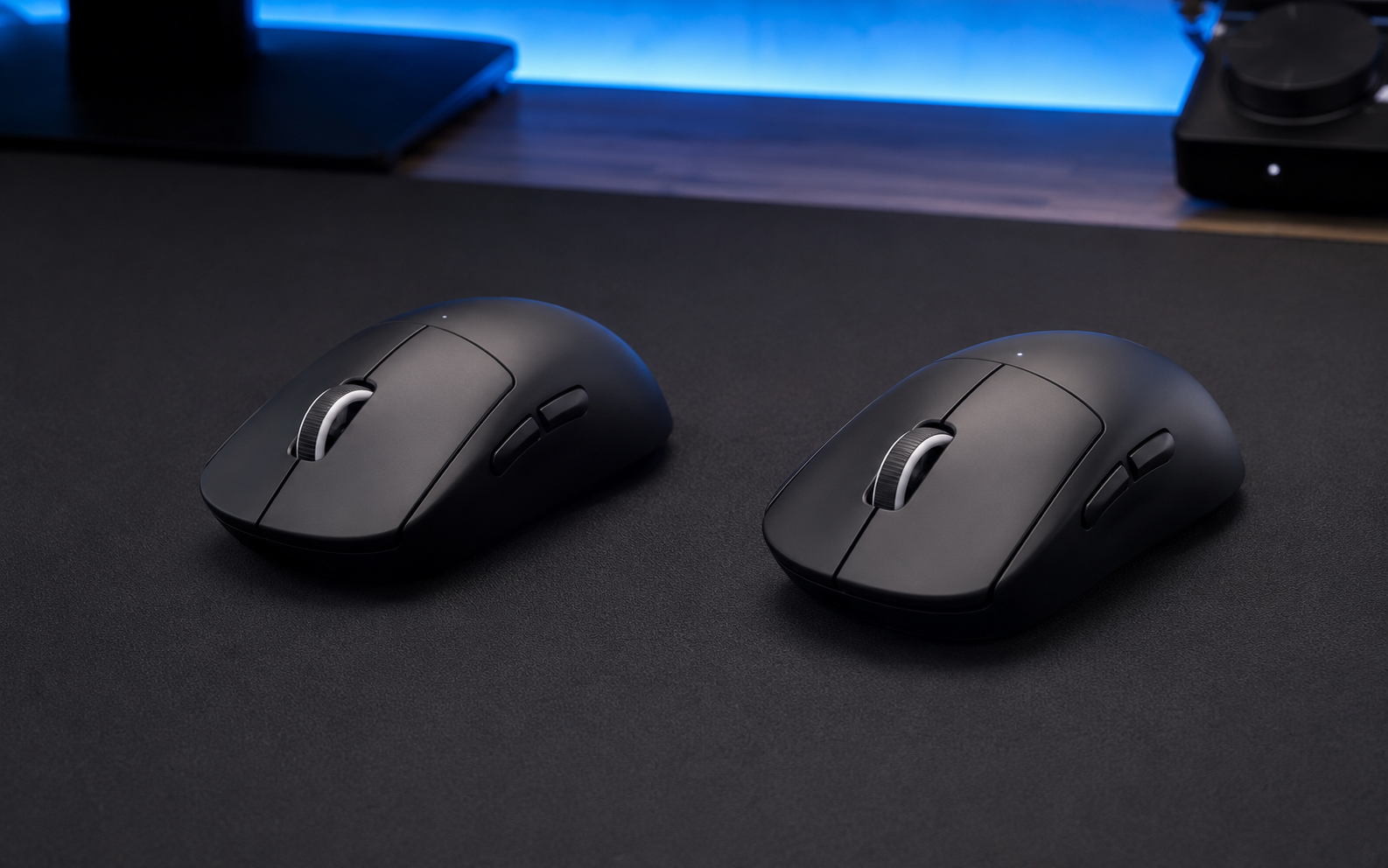
 AI-generated image; may differ from the actual products.
Quick Verdict
Choose the original PRO X SUPERLIGHT if it is substantially cheaper and you want proven wireless performance without chasing the newest specifications. Choose SUPERLIGHT 2 if USB-C, longer battery life, LIGHTFORCE switches, and a higher polling ceiling matter to you. Existing first-generation owners do not need to upgrade for shape or basic tracking alone, but the newer charging and switch system make the second generation more convenient long term.
Key Specification Comparison
| Feature | PRO X SUPERLIGHT | PRO X SUPERLIGHT 2 |
|---|---|---|
| Weight | Under 63 g | About 60 g |
| Sensor | HERO 25K | HERO 2 |
| Maximum sensitivity | 25,600 DPI | Up to 44,000 DPI |
| Maximum report rate | 1,000 Hz | Up to 8,000 Hz with compatible setup |
| Main switches | Mechanical | LIGHTFORCE hybrid optical-mechanical |
| Charging port | Micro-USB | USB-C |
| Rated battery life | Up to 70 hours | Up to 95 hours |
| Bluetooth | No | No |
Shape, Weight, and Everyday Control
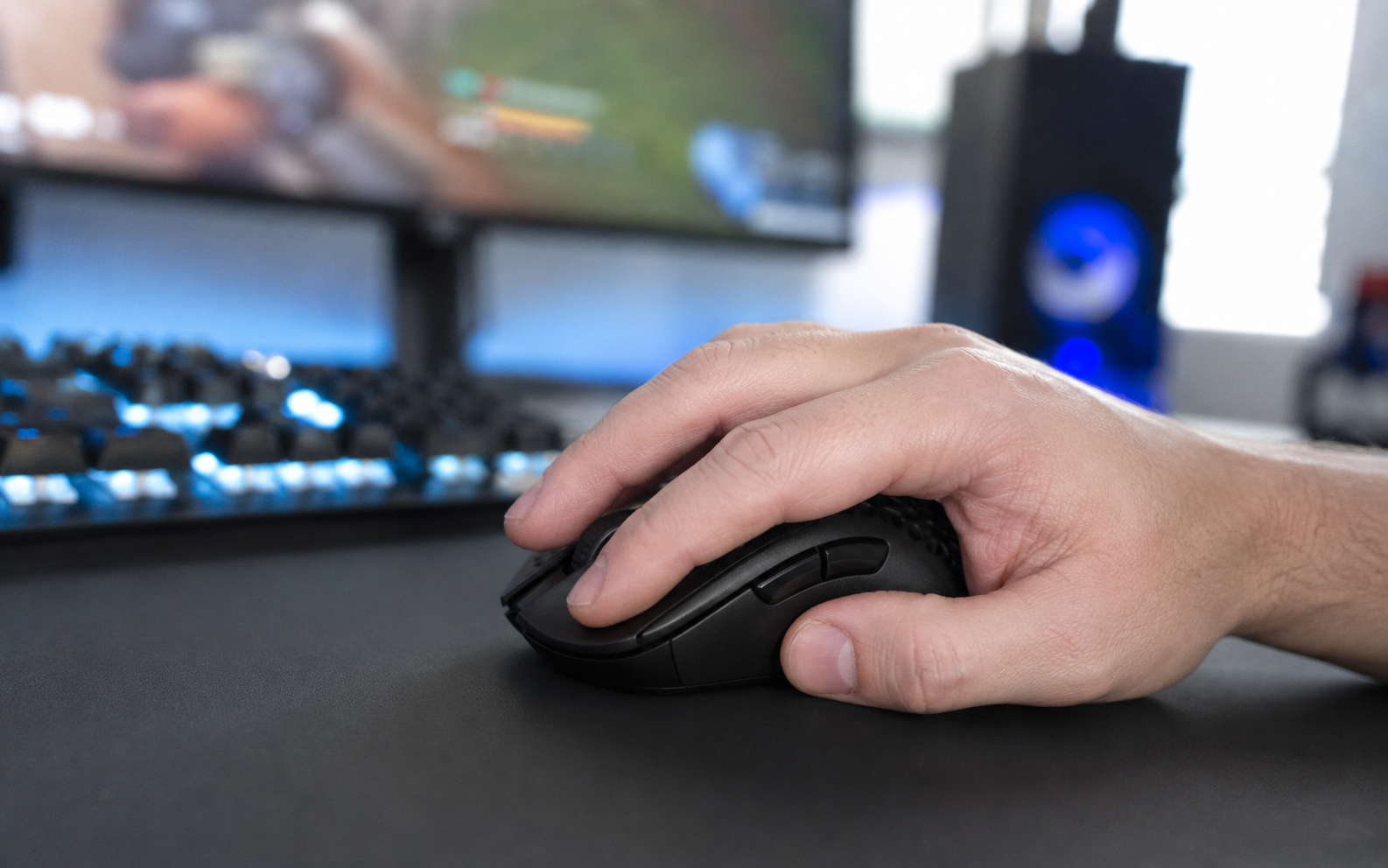
The roughly three-gram reduction on SUPERLIGHT 2 is measurable but unlikely to transform the experience for most players. Shape familiarity, grip confidence, and mouse-pad control will matter more than the small weight difference. If the original already feels natural in your hand, the second generation should require very little adjustment.
Sensor, Polling Rate, and Click Feel
HERO 25K remains accurate enough for competitive play, so the HERO 2 sensor is mainly about extra headroom and the newer platform. SUPERLIGHT 2 can reach a much higher report rate, which may reduce input intervals on a fast gaming PC and high-refresh display, but it also uses more battery and will not produce the same noticeable benefit for every player.
LIGHTFORCE switches are the more meaningful hardware change. They combine optical actuation with a mechanical-style click response, helping address long-term double-click concerns associated with traditional mechanical designs. Some users may still prefer the softer sound and feel of the original switches.
Charging and Battery Life
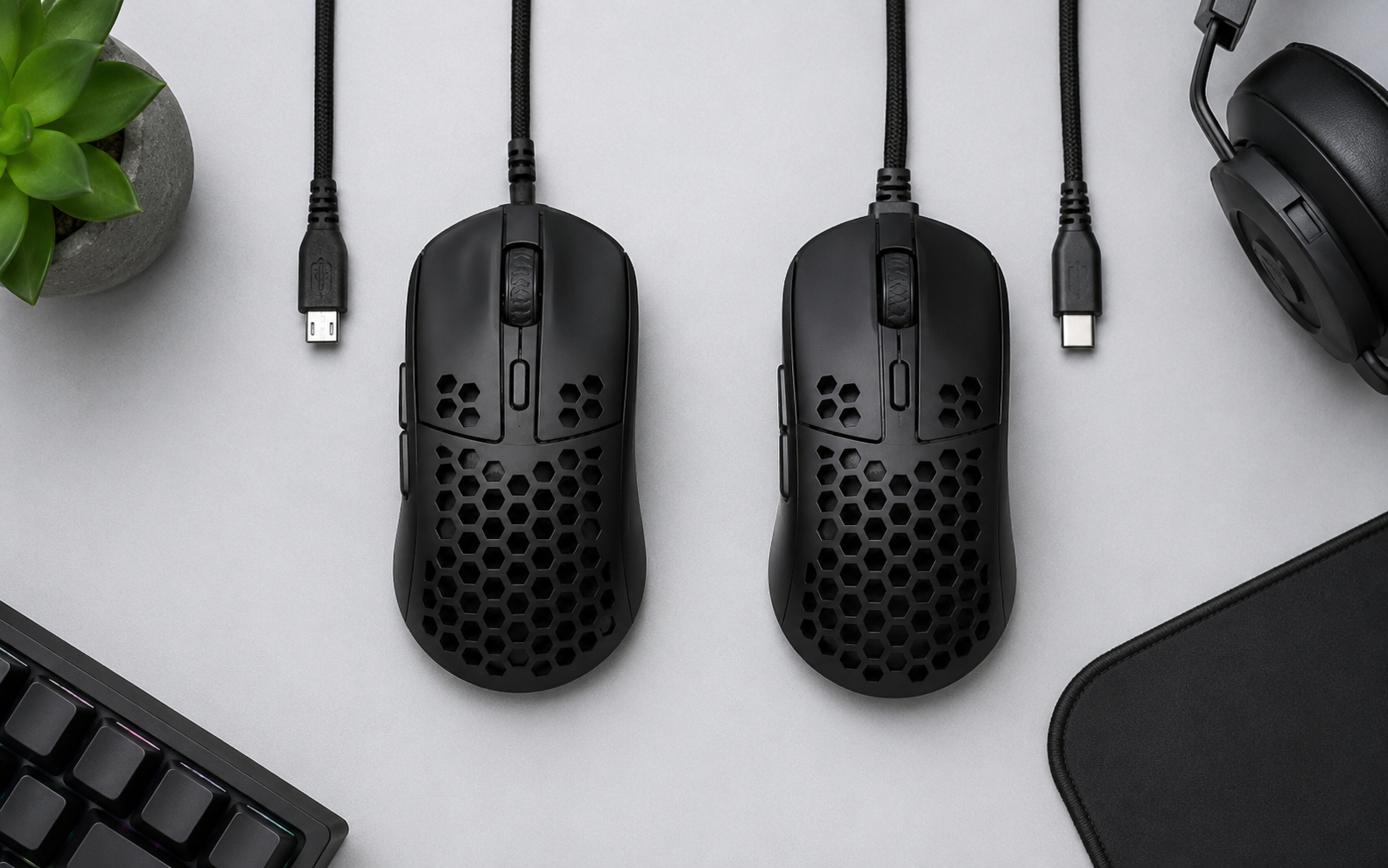
The first-generation model's Micro-USB connection now feels dated, especially if the rest of your equipment already uses USB-C. SUPERLIGHT 2 solves that inconvenience and raises rated battery life from up to 70 hours to up to 95 hours. Actual endurance varies with report rate, use, and settings.
Portability and Practical Value
Which One Should You Buy?
Buy the Original SUPERLIGHT If…
- It is available at a meaningful discount
- You are satisfied with 1,000 Hz performance
- You prefer its traditional mechanical click feel
- Micro-USB charging is not a problem
Buy SUPERLIGHT 2 If…
- You want USB-C and longer battery life
- You use a high-refresh competitive setup
- You prefer LIGHTFORCE switch technology
- You want the newer model for longer ownership
Final Recommendation
For a new buyer, SUPERLIGHT 2 is the more complete and future-friendly mouse when the price difference is reasonable. The original remains the stronger value when heavily discounted. For current SUPERLIGHT owners, upgrade only if USB-C, switch technology, battery life, or high polling rates solve a real limitation in your setup.
As an Amazon Associate, TechPick Lab earns from qualifying purchases. Product availability and prices may change.
Specification Sources
Specifications were checked against Logitech G's official product information for the PRO X SUPERLIGHT and PRO X SUPERLIGHT 2. Manufacturer figures may vary with settings and use.